d2, 2big, and 5big Network 2 User Manual 90
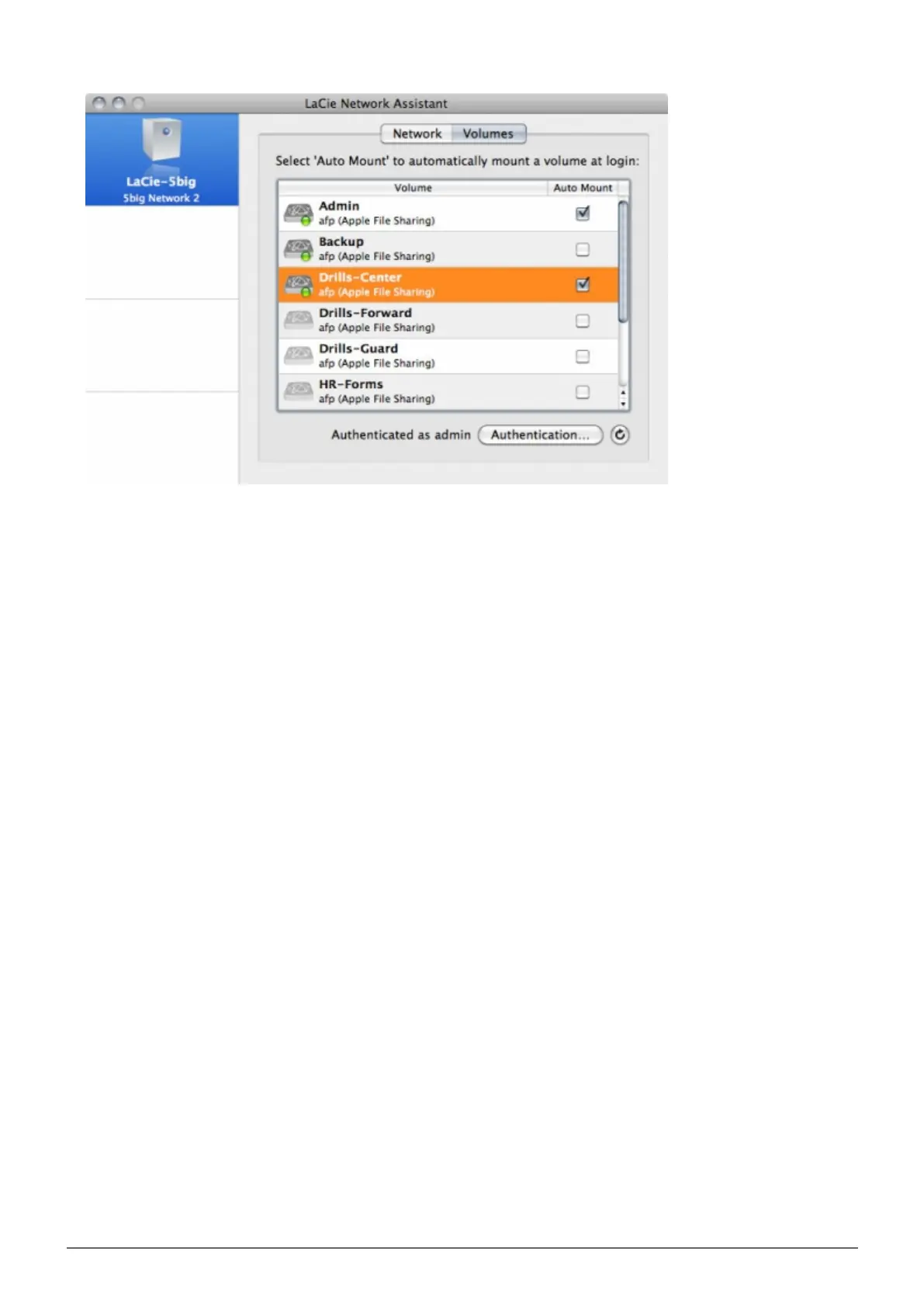
If you see the message “can't list volumes,” it may be because you are using an outdated version of LNA.
Download the most recent version from the LaCie website.
PC users: The share will mount in My Computer/Computer automatically when the computer detects it on5.
the network.
Mac users: The share volume icon will appear on your desktop and in your Finder automatically when the
computer detects it on the network.
Create Shortcut Using Operating System
If you would like a shortcut to accessing shares, follow this procedure.
Windows XP, Vista, and Windows 7 Users
From an Explorer window in Windows XP, select Tools> Map Network Drive. For Windows Vista and1.
Windows 7, open an Explorer window, navigate to Computer, and click Map Network Drive.














 To Next Page