d2, 2big, and 5big Network 2 User Manual 35
Log Out
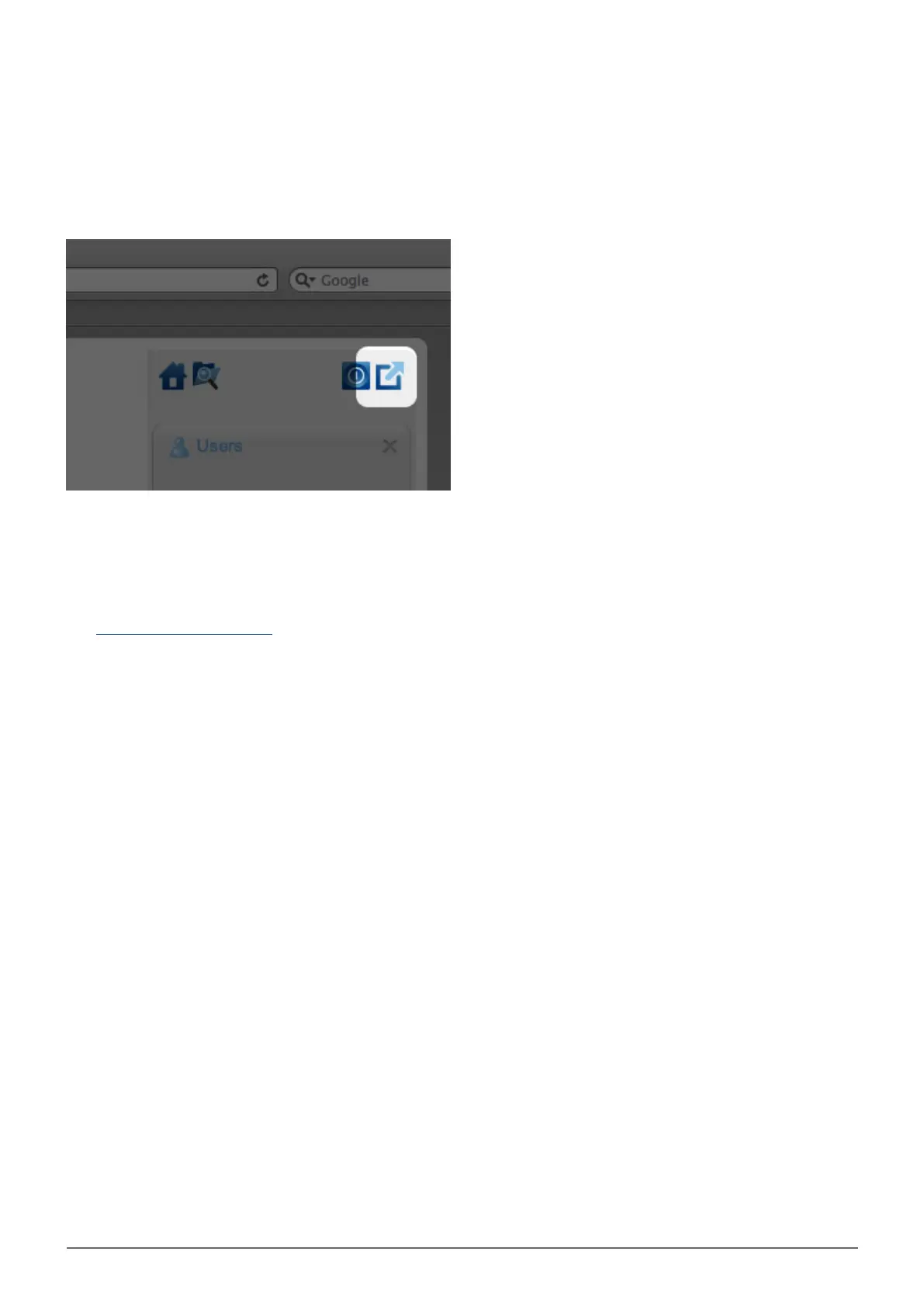
To log out of the Dashboard, click the log out button.
File Browser
See Dashboard - File Browser.
DASHBOARD - NAVIGATION
The Dashboard is made up of a central area surrounded by widgets, or small boxes that represent the different
pages that make up the Dashboard. The widget displays a summary of the information contained in the page.
For full information, navigate to the page itself.
To navigate to a page, click the widget below its title; or, drag and drop a widget to the center of the
■
window.
To minimize a widget, click the X next to its title.
■
To expand a minimized widget, drag its icon over an expanded widget or to an open widget space.
■
To rearrange widgets, drag the minimized widget icon or the expanded widget's heading onto the place of
■
another widget.














 To Next Page