d2, 2big, and 5big Network 2 User Manual 15
screws.
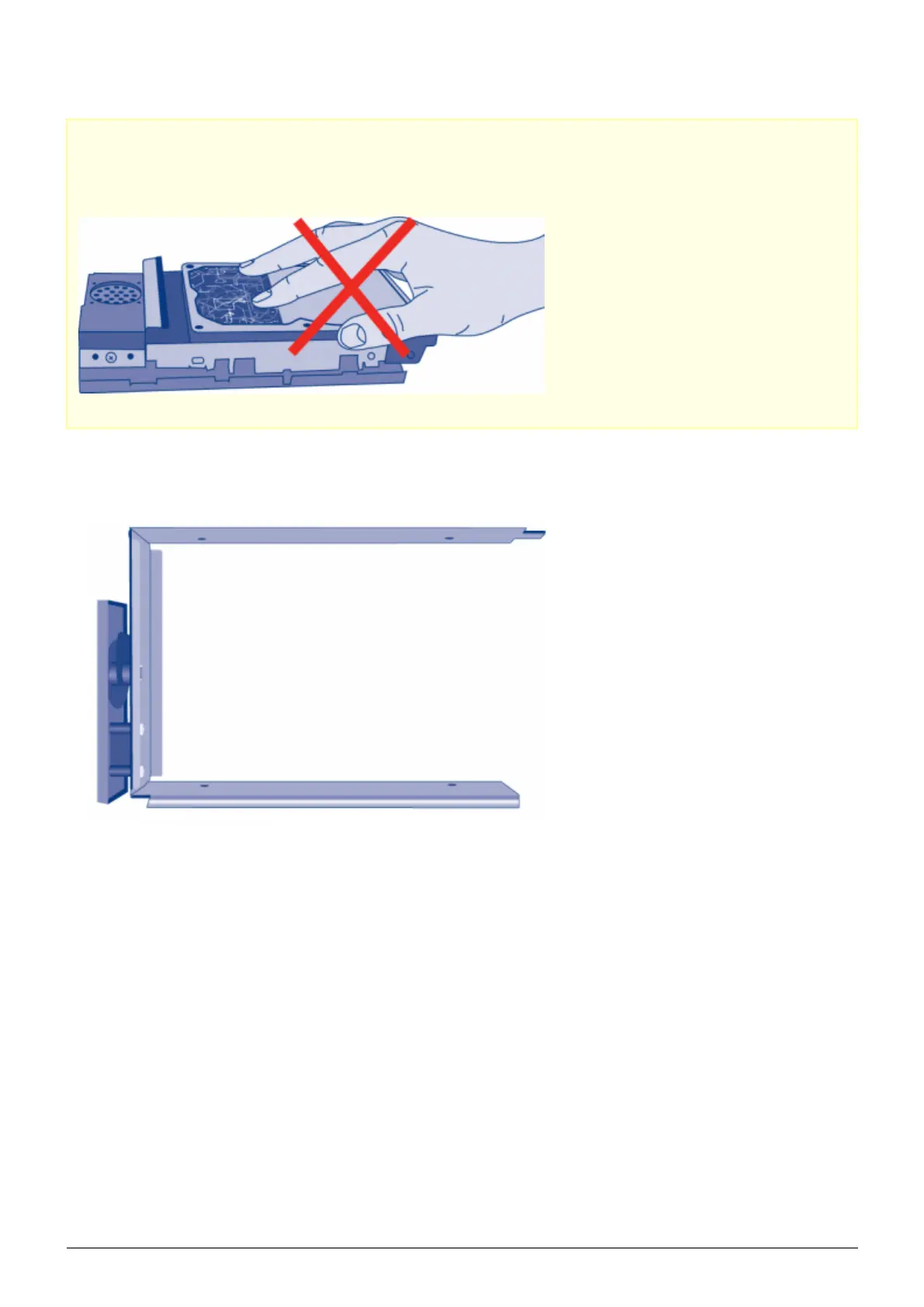
Caution: To avoid potential problems caused by electrostatic discharge (ESD), it is recommended that you
do not touch the hard drive’s printed circuit board. As a further precaution against ESD, please use an
anti-static wristband or an anti-static mat to ground yourself when handling the hard drive.
To secure the disk in the drive tray:
Place the empty drive tray onto the flat work area with the handle on the bottom left.1.
Many disks have a label on one side and the printed circuit board on the opposite side. With its label side2.
facing up, gently place the hard disk within the drive tray. Keep the side with the printed circuit board on the
work space and the SATA connector facing to the right. The four tray screw slots should align with the disk’s
four screw holes.














 To Next Page