d2, 2big, and 5big Network 2 User Manual 119
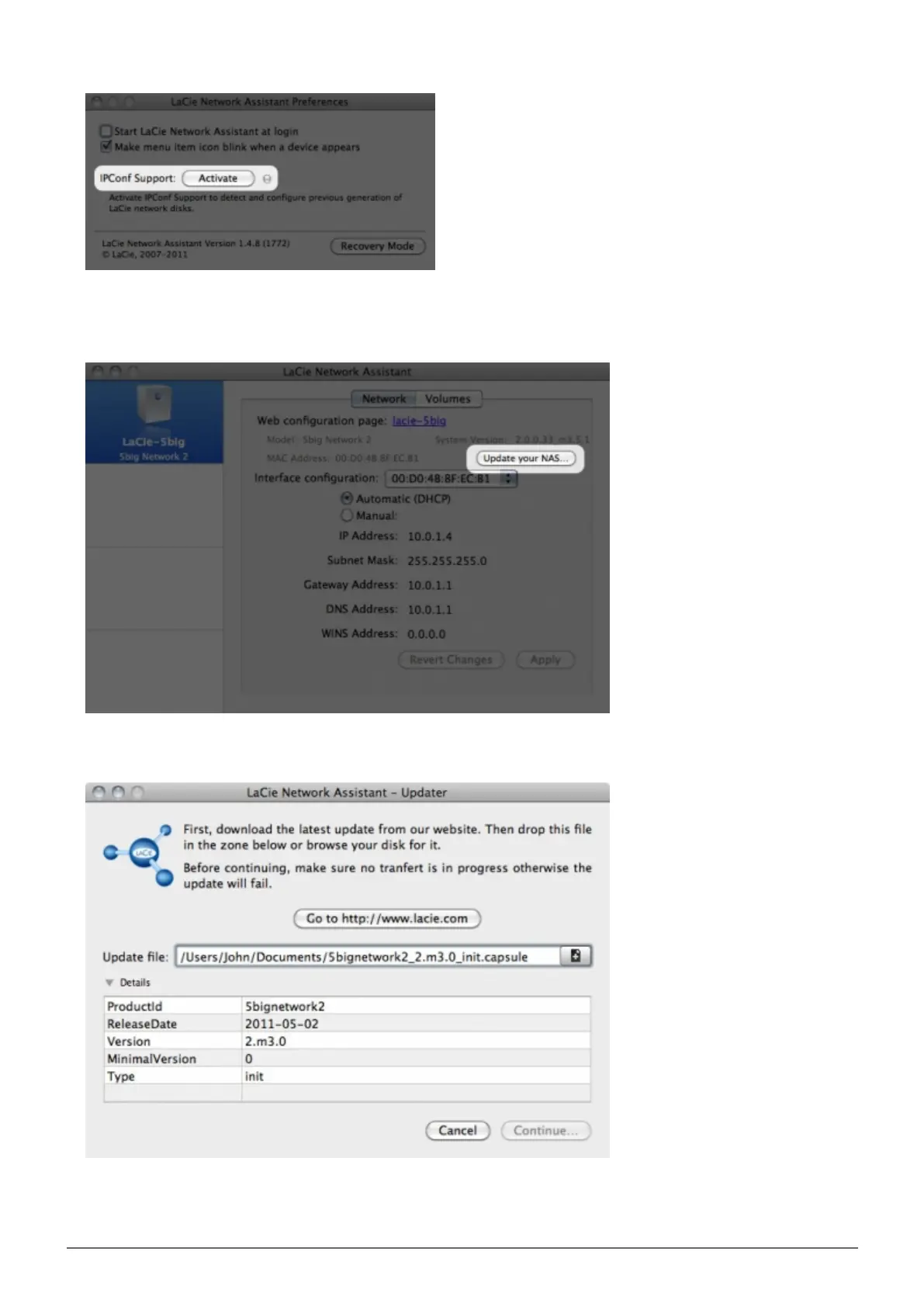
Select your product from the list on the left and click on the *Update your NAS… button. Enter your admin5.
username and password.
Browse to and load the update package (.capsule file) you downloaded from the LaCie website.6.
Click on Continue… to begin update. Mac users may have to type in their administrator’s password.7.
Once the update is complete, verify the update: Click the LNA logo in the menu bar (Mac) or task bar8.














 To Next Page