d2, 2big, and 5big Network 2 User Manual 114
resistance, press the drive tray handle firmly until you feel the drive snap into place and the drive tray handle
is flush with the back of the NAS.
Use the drawer key to lock the drive.2.
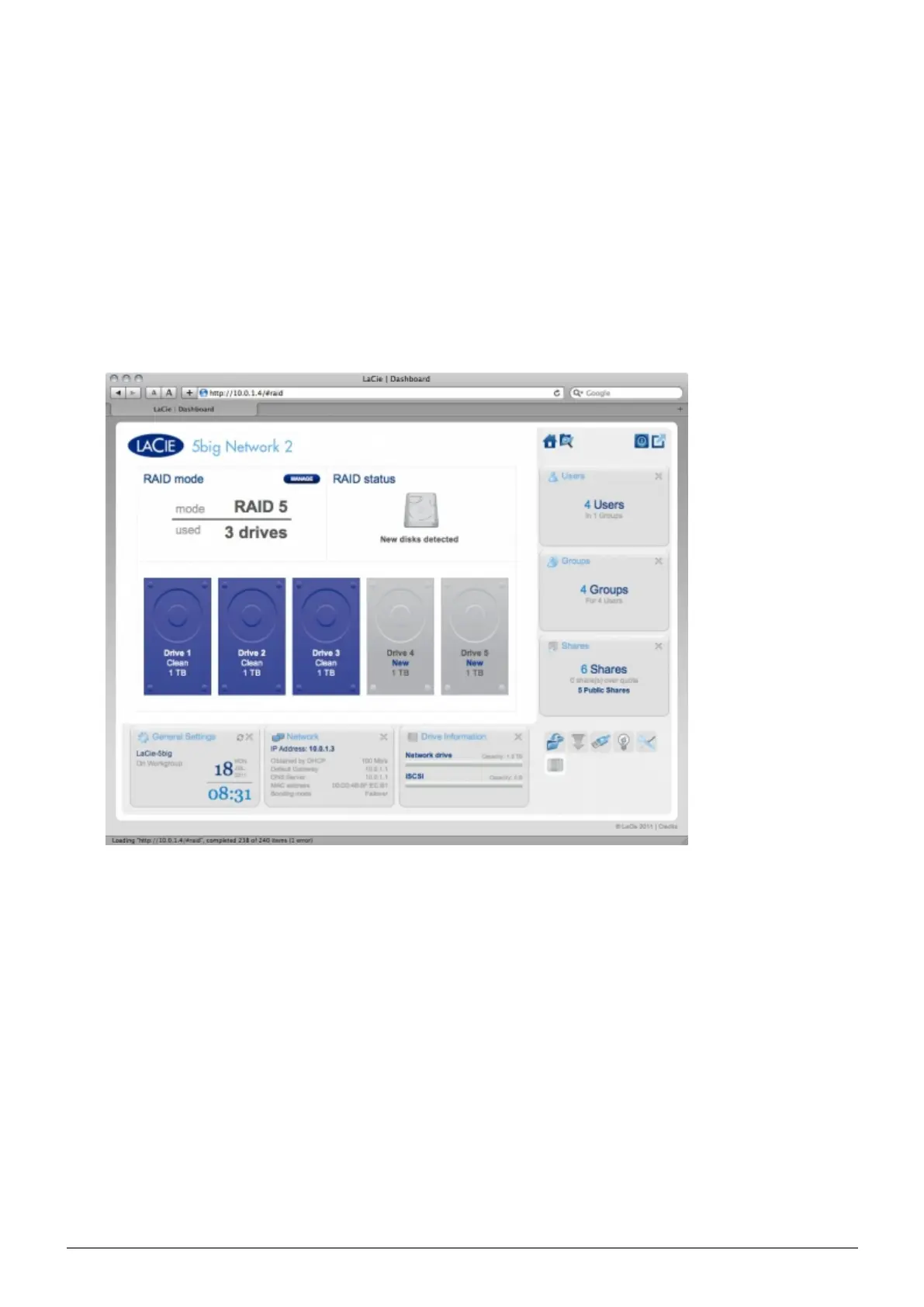
Navigate in the Dashboard to the RAID Management page. In the drive map, the new disk will be3.
represented by a lighter blue color than the already-claimed disks and will be labelled New (see screenshot
below).
If your RAID array is in automatic mode (5big only), you will see the text New disk detected in the RAID
status box. Click the EXPAND button to add the disk to your array and it will begin to rebuild.
If your array is in manual mode:
Click the MANAGE button.1.
Click the box under the new disk, then click NEXT.2.














 To Next Page