d2, 2big, and 5big Network 2 User Manual 52
Caution: Formatting will erase all the data on your drive (but will not remove users or settings). Make sure
to back up all your data onto another volume before proceeding. If you are formatting USBShare and wish to
back it up first onto another share, LaCie recommends you use the File Browser (see Dashboard - File
Browser instead of using SMB/AFP (i.e. using the Finder for Mac users or an Explorer window for Windows
users). LaCie cannot be held for responsible for the loss of data occurring during formatting.
Details specific to the d2/2big:
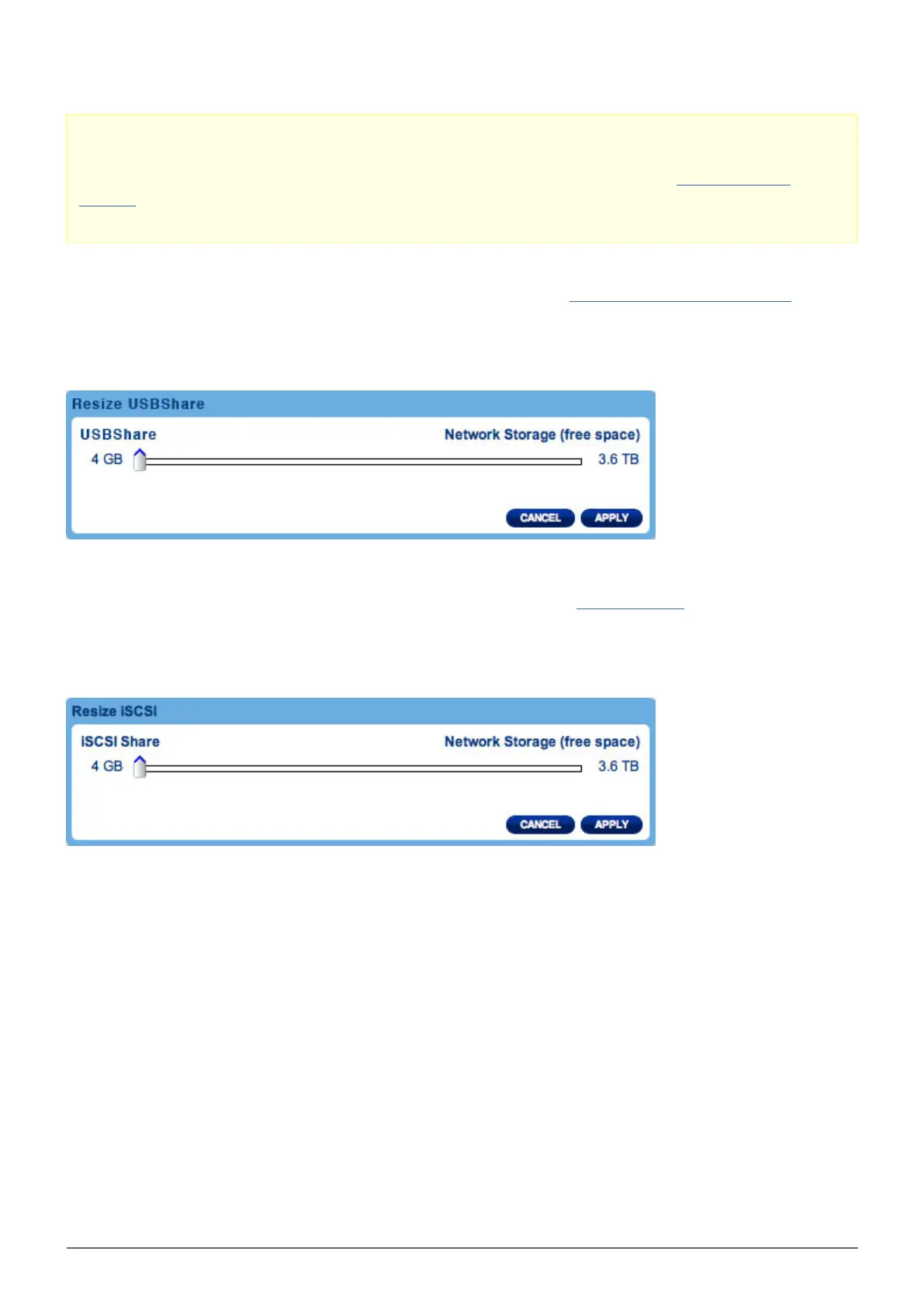
On this page, you have the ability to allocate storage to USBShare. See Connect to a Computer via USB for
details on connecting your LaCie NAS to a computer via USB. To change the storage allocated to USBShare, click
the capacity in the USBShare row, then drag the slider (maximum is 500GB). Once you click on the slider, you
can use the left or right keys on your keyboard to fine tune. When you're done, click Apply.
Details specific to the 5big:
On this page, you have the ability to allocate storage to iSCSIShare. See Configure iSCSI for details. To change
the storage allocated to iSCSI, click the capacity in the iSCSIShare row, then drag the slider (maximum is 2TB).
Once you click on the slider, you can use the left or right keys on your keyboard to fine tune. When you're done,
click Apply.














 To Next Page