d2, 2big, and 5big Network 2 User Manual 61
modified in subsequent backups.
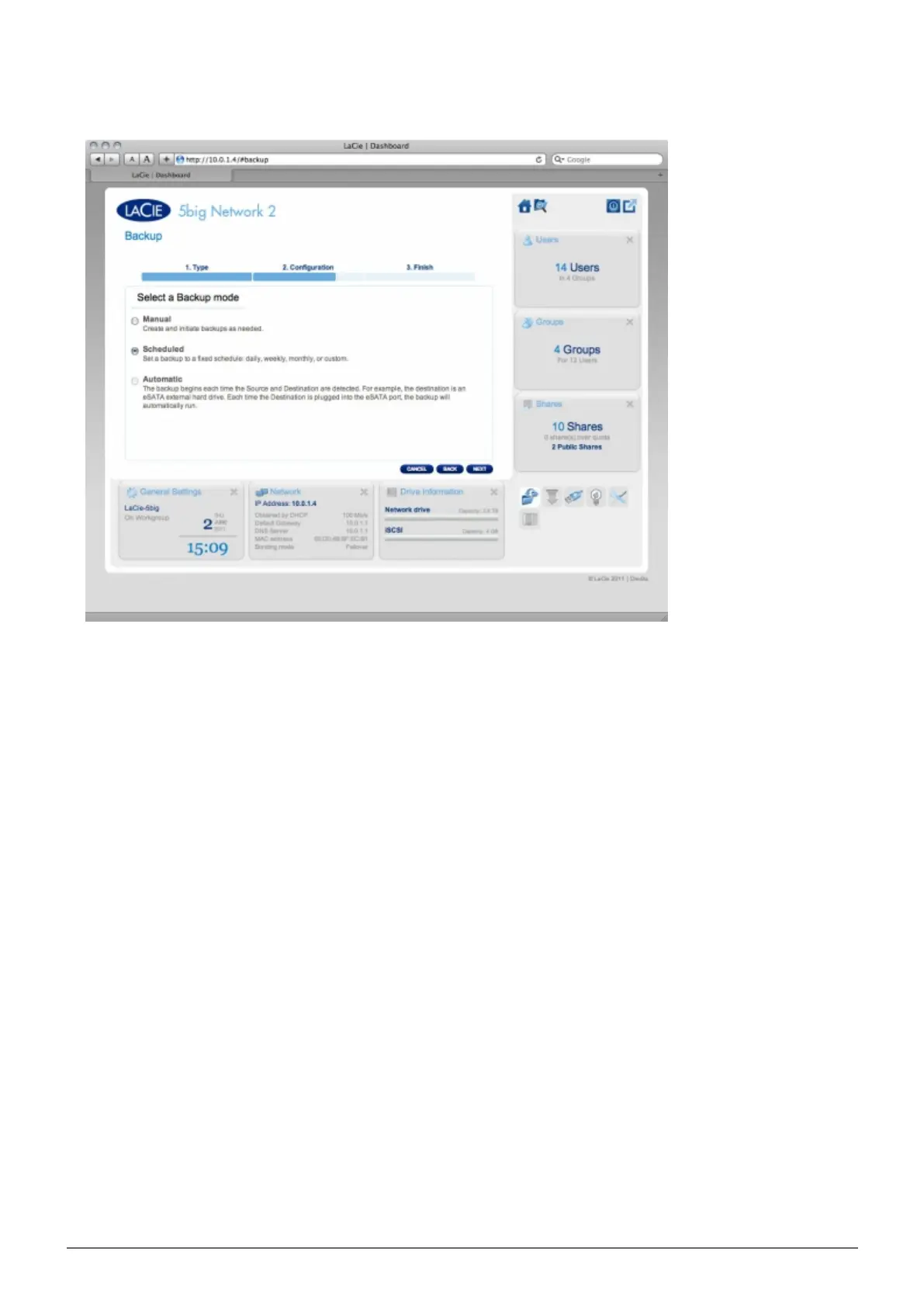
Select a backup mode, then click NEXT.5.
Manual means that the backup job will only run when you execute it.
■
Scheduled means that the backup job will run according to a schedule you set.
■
Automatic is available only when the backup target is an external hard drive. This choice will cause the
■
backup job to run automatically when the drive is connected to the NAS. If you select this mode, you will
have the option of selecting Auto eject, which unmounts the external hard drive once the backup has
completed.
If you selected Scheduled backup mode in the previous screen, choose a frequency and a time, then click6.
NEXT.














 To Next Page