d2, 2big, and 5big Network 2 User Manual 67
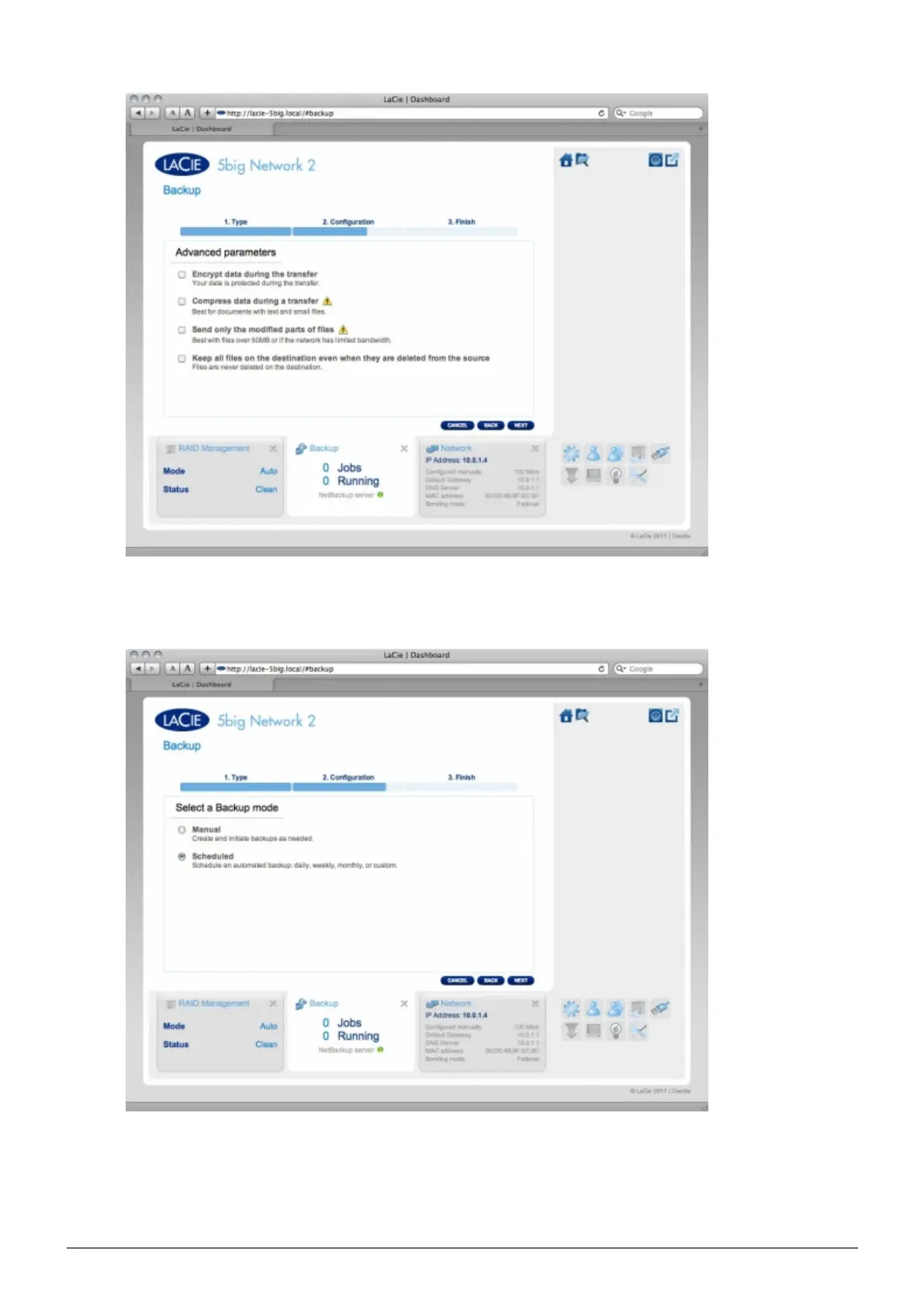
In the next screen, the Dashboard will test the connection. If the connection succeeds, you will see the5.
Select a Backup mode screen, which is explained in the local backup section of this user manual.
If you choose non-LaCie NAS:
■
Type the rsync server name or IP, login, and password, then select the rsync target. Click NEXT.1.














 To Next Page