d2, 2big, and 5big Network 2 User Manual 71
you want to restore the data. Valid backups will have a red folder icon. Choose the backup directory, then
click NEXT. Information about that backup source will be listed in the next screen for your confirmation.
Click NEXT.
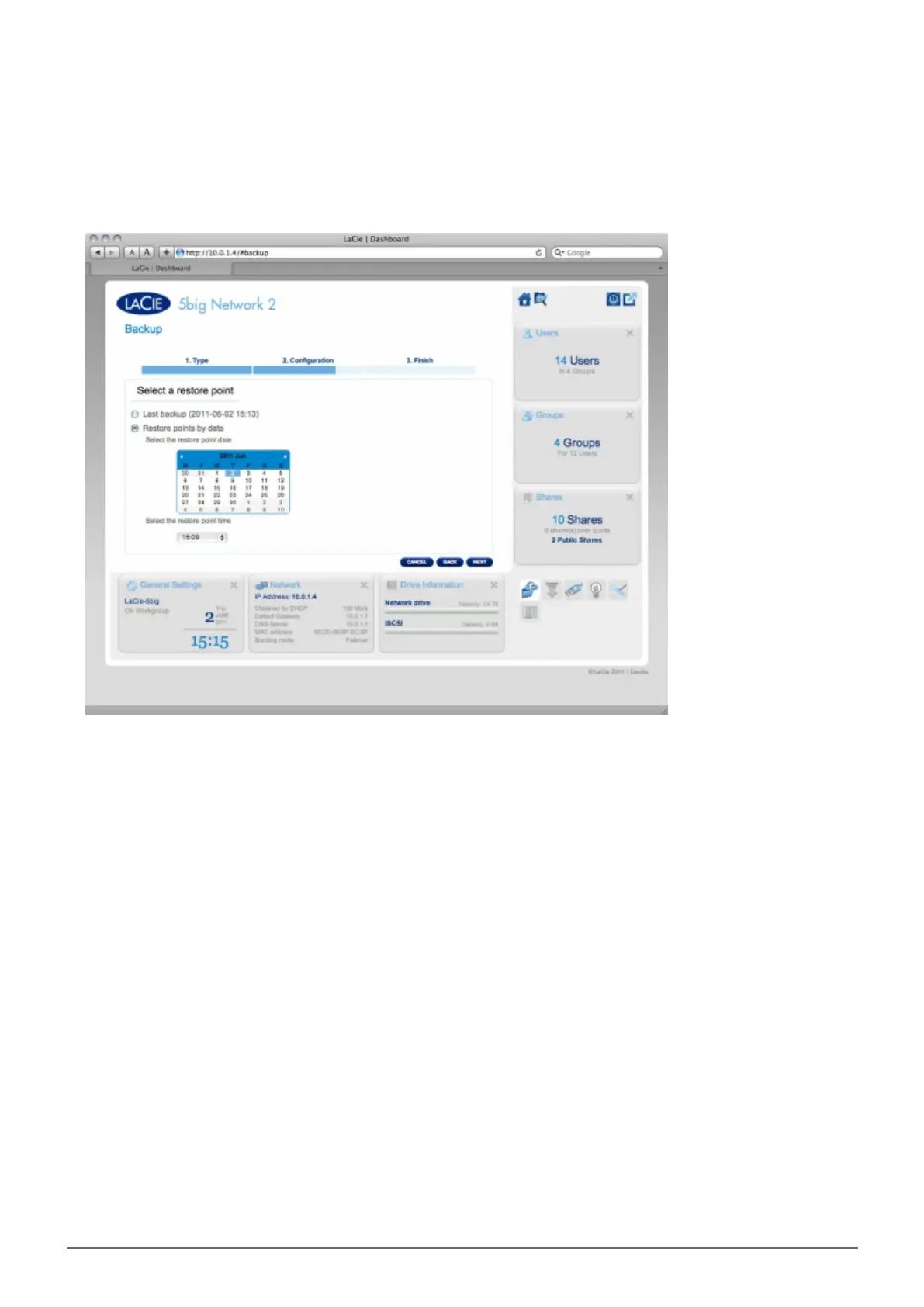
In the next screen, choose a restore point. A restore point corresponds to a version of the directory for each4.
time it was backup up. Choose to either restore the directory from the last backup, or by date. If you choose
by date, select the date in the calendar, and the time from the drop-down menu. Then click NEXT.
In the next screen, choose where to restore the backup.5.
Restore to the initial place to save over the source folder with the backed up folder. This will erase the
■
source folder contents.
If you want to restore the backup to a specified folder, click this option, then click the BROWSE button.
■
Navigate to the destination, then click APPLY.














 To Next Page