d2, 2big, and 5big Network 2 User Manual 86
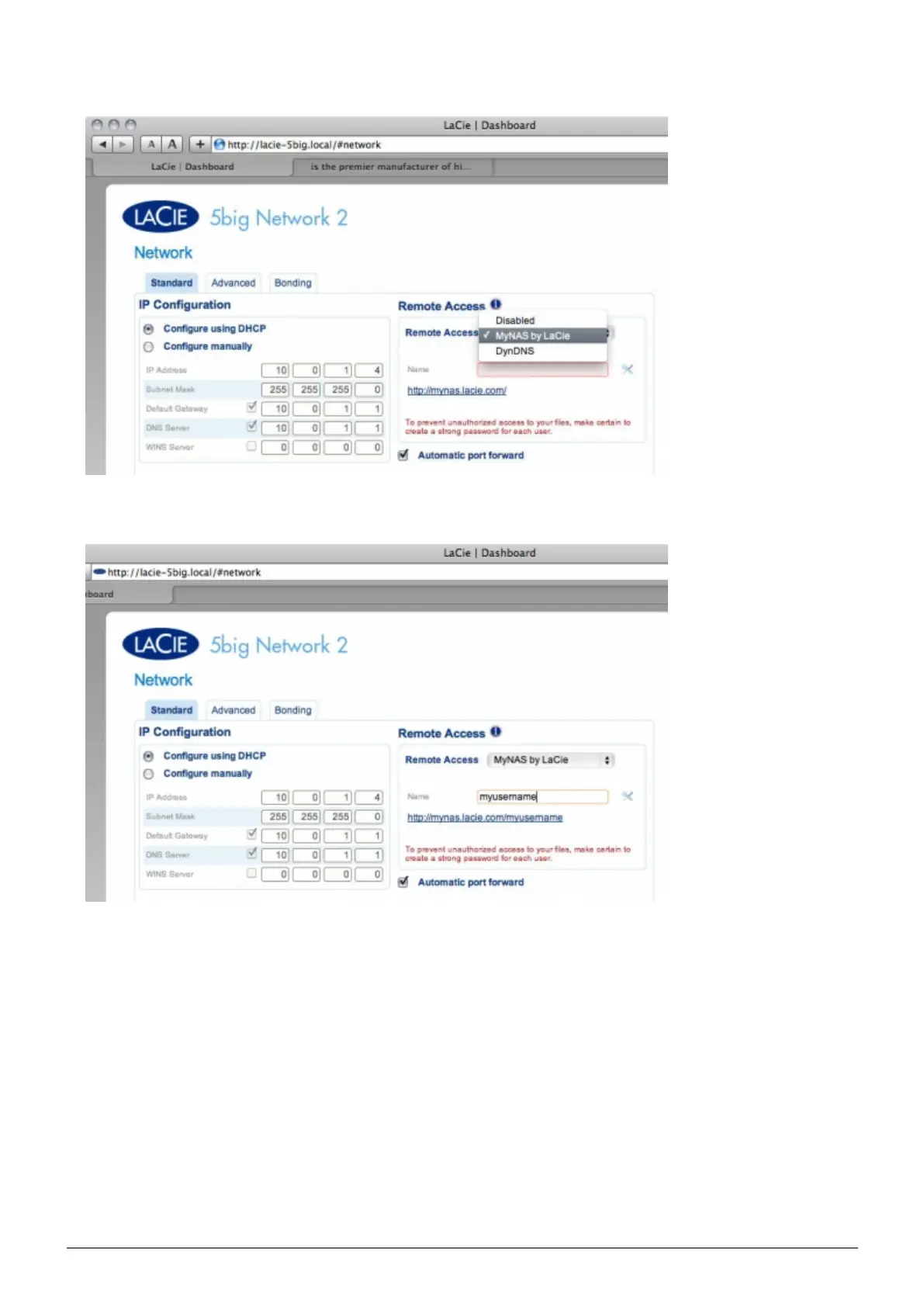
In the drop-down menu, choose LaCie MyNAS.3.
Next, type a name for your NAS in the Name field.4.
Next, click Apply. If your NAS is able to connect to the internet, the Dashboard will query the5.
mynas.lacie.com server to see if the name you chose is available. If so, you will receive a message
confirming the connection.














 To Next Page