64 Chapter 7 – Contax 645 AF
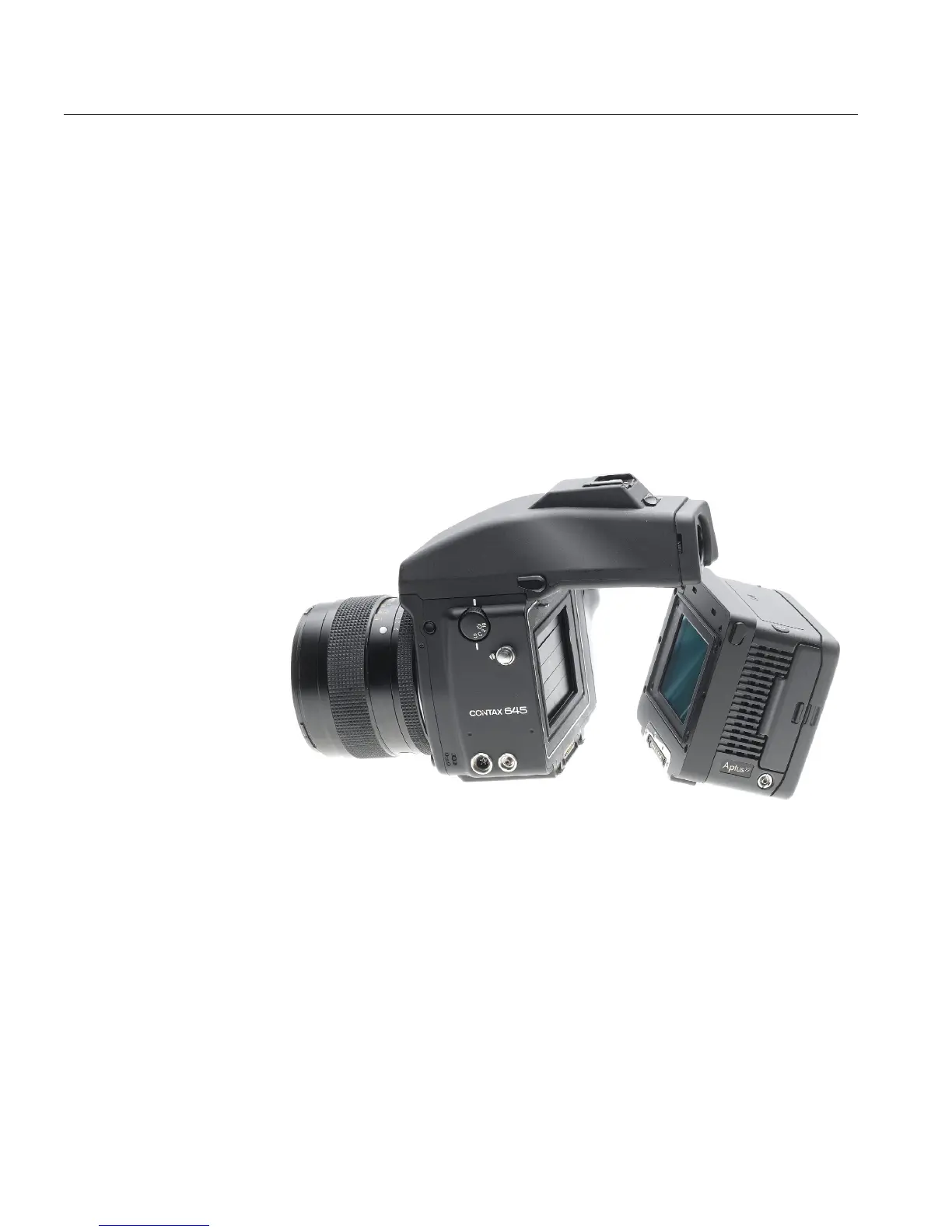
Attaching the Leaf Digital Camera Back to the Camera Body
1. Mount the Contax 645 AF camera body on a tripod.
2. Remove the protective cover plate from the Leaf Aptus digital camera
back.
3. Attach the Leaf Aptus digital camera back to the camera body by
moving the Leaf Aptus digital camera back toward the camera body
and check that the camera’s support hooks fit into the slots on the Leaf
Aptus digital camera back.
4. Push the top of the Leaf Aptus digital camera back toward the camera
body until it locks into place.
Figure 4: Attaching the Leaf Aptus digital camera back to a Contax 645 AF
camera body.


 To Next Page
 Loading...

