86 Chapter 9 – Mamiya RZ67/RZ67ProII/ RZ67ProIID
Connecting the Cables
This section contains procedures for connecting various cables for use with
the Mamiya RZ67 camera.
Connecting the Camera Control Cable
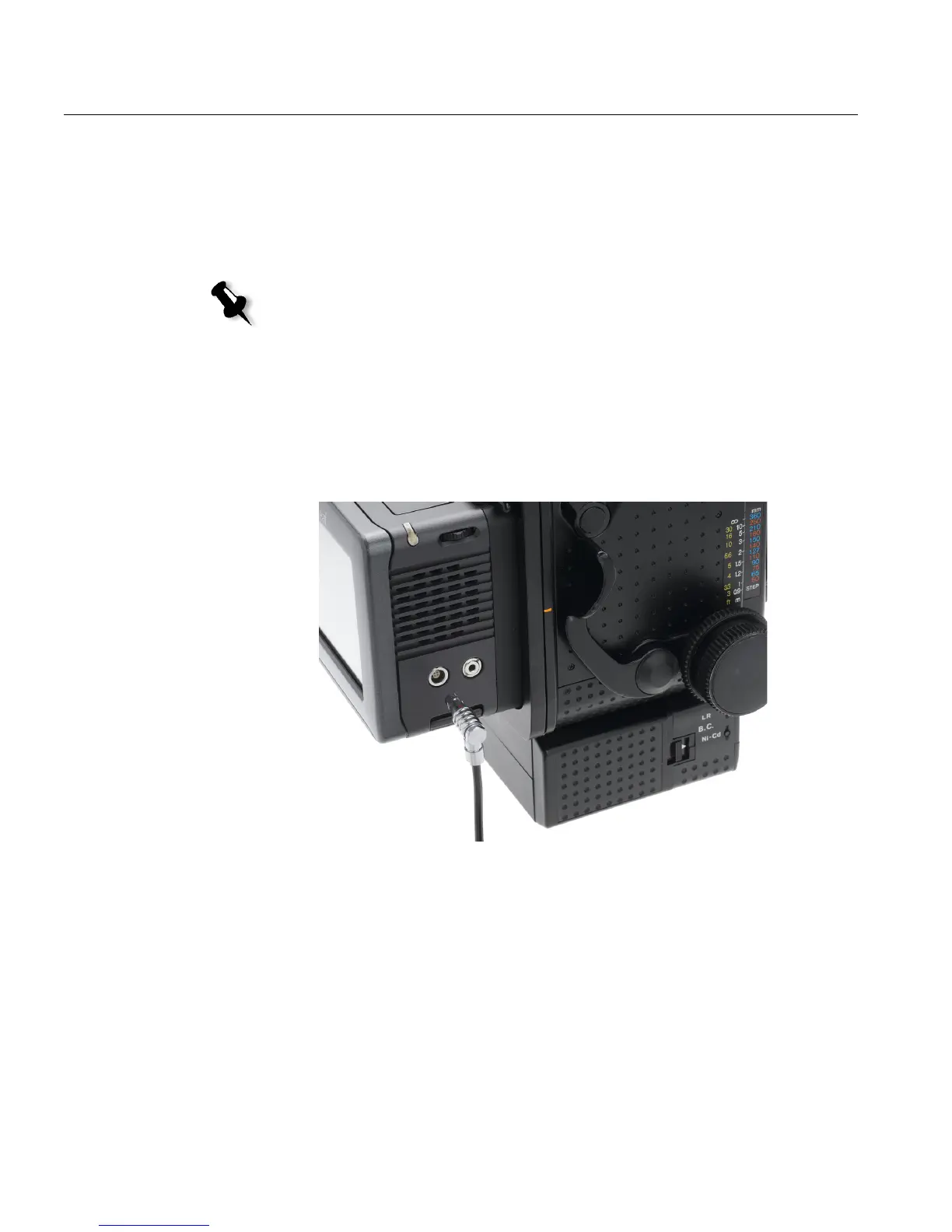
1. Insert one end of the Camera Control cable (lever facing down) into
the Mamiya release socket on the front of the camera.
2. Turn the lever to the L position to lock it.
3. Insert the opposite end of the cable into the Camera Control socket on
Leaf Aptus.
Figure 6: Connecting the Camera Control Cable to Leaf Aptus
Note: Make sure the lever on the Camera Control cable is in O position.



 To Next Page