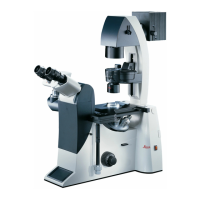
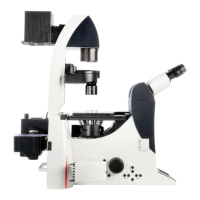
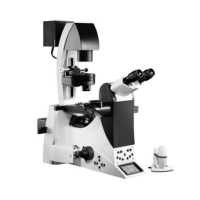
5. OPERATION - SWITCHING ON
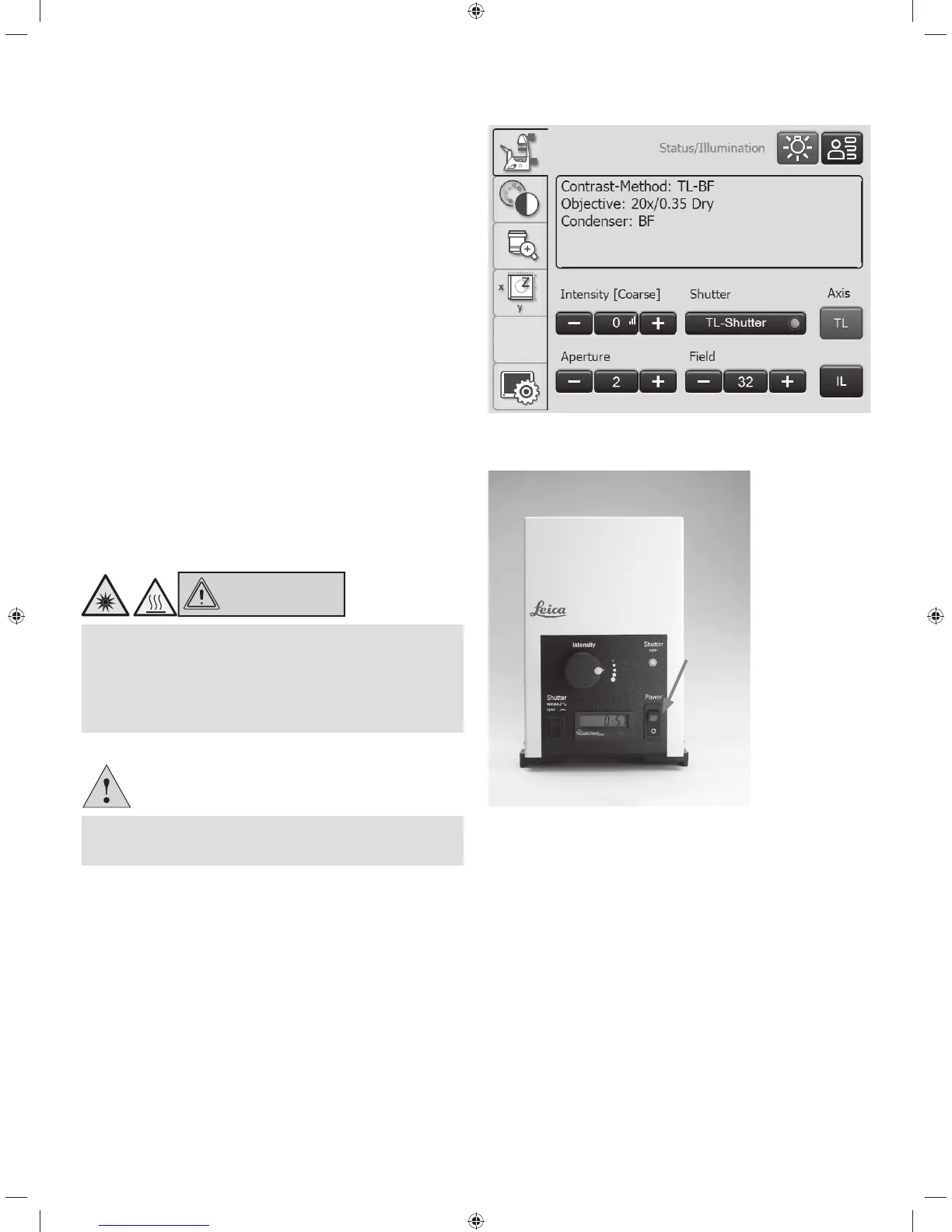
After the initialization is completed, the Touch Screen
shows the status screen with the current microscope set-
ting.
For fluorescence:
t4XJUDIPOUIFLeica EL6000 compact light source on the
on/off switch. The indicator lamp is illuminated during op-
eration.
CAUTION
Do not switch on the light source until the light guide is
connected to the microscope.
Uncontrolled light output from the light guide poses a
blinding hazard!
There is also a burn hazard at the light guide output!
Caution!
When using other light sources, observe the respective
instructions for the light source.
40


 To Next Page