5. OPERATION - STAGES AND OBJECT DISPLACEMENT
5.6.2 Adjusting the step sizes on motorized stages
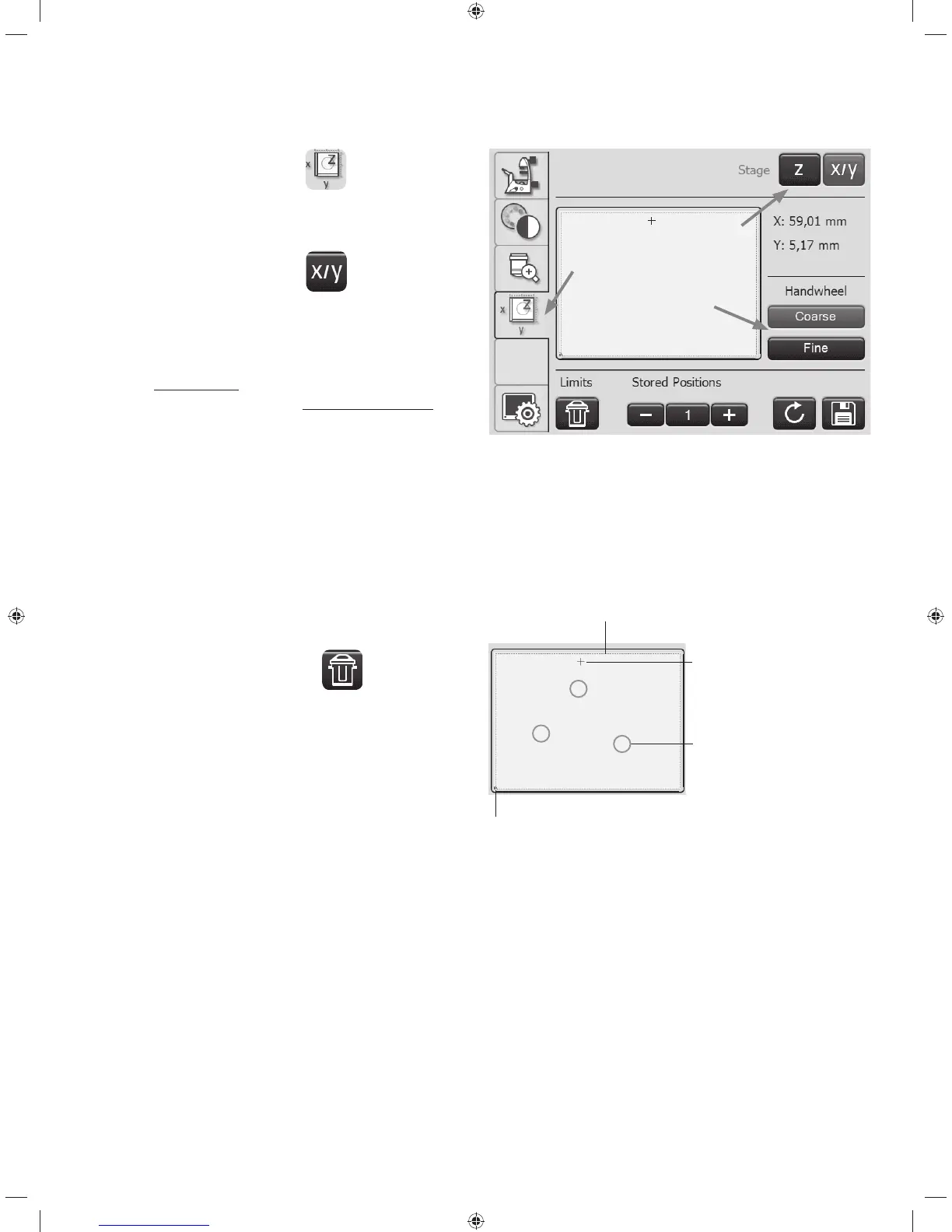
t0OUIF5PVDI4DSFFOVTFUIF
key to switch to
stage and focus controls. The X/Y coordinates of the cur-
rent stage position are displayed.
t4FMFDUUIFStage menu using the
key.
t:PVDBODIBOHFUIFtravel speed of the stage by
switching between the Coarse and Fine step sizes.
If the Coarse value is selected, the travel speed is the
same for all objectives.
The Fine value is adapted to the respective objective.
5.6.3 Saving and moving to stage positions
In the LAS X software, the programmed working area is
marked by a dashed line frame.
You can reset the working area to the
maximum stage
travel range via the Limits key.
Working area restriction
Stored
stage position
Current
stage position
Zero point
1
3
2
52



 To Next Page