5. OPERATION - SWITCHING ON
5.1 Switching on the microscope
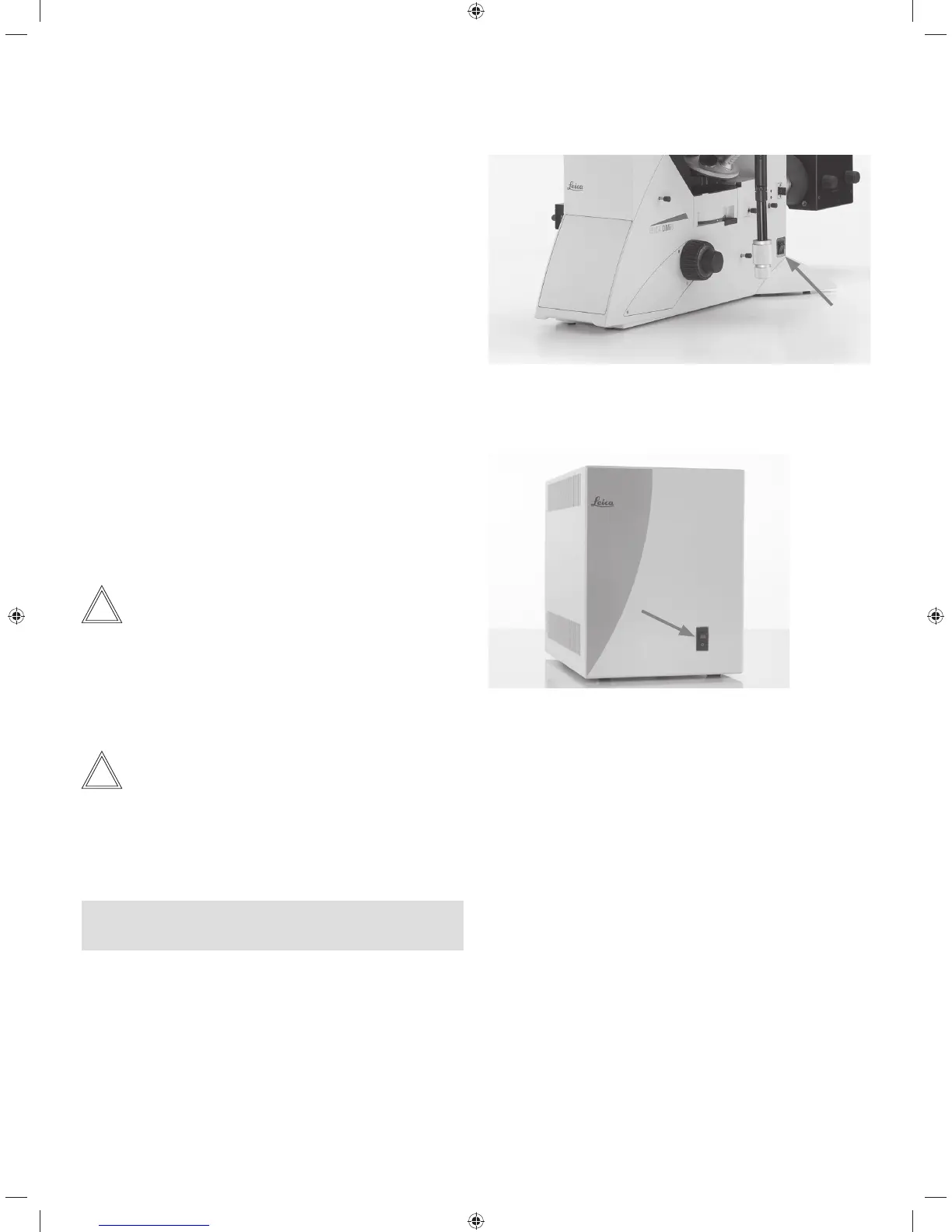
Leica DMi8 without motorized components and without
Leica CTR electronics box
t4XJUDIPOUIFNJDSPTDPQFBUUIFon/off switch on the
right side of the stand. The indicator lamp is illuminated in
green during operation.
Leica DMi8 with at least one motorized component and
Leica CTR electronics box
t4XJUDIPOUIFFMFDUSPOJDTCPYPOUIFPOPGGTXJUDI5IF
indicator lamp is illuminated in green during operation.
Note:
If you have connected a PC, switch on the electronics box
first, and then the computer.
All motorized microscope components will then run through
an initialization phase.
Note:
At initialization, all of the user's most recent settings are re-
stored.
! Caution:
The focus position and lower threshold are stored when
switching off the microscope.
39



 To Next Page