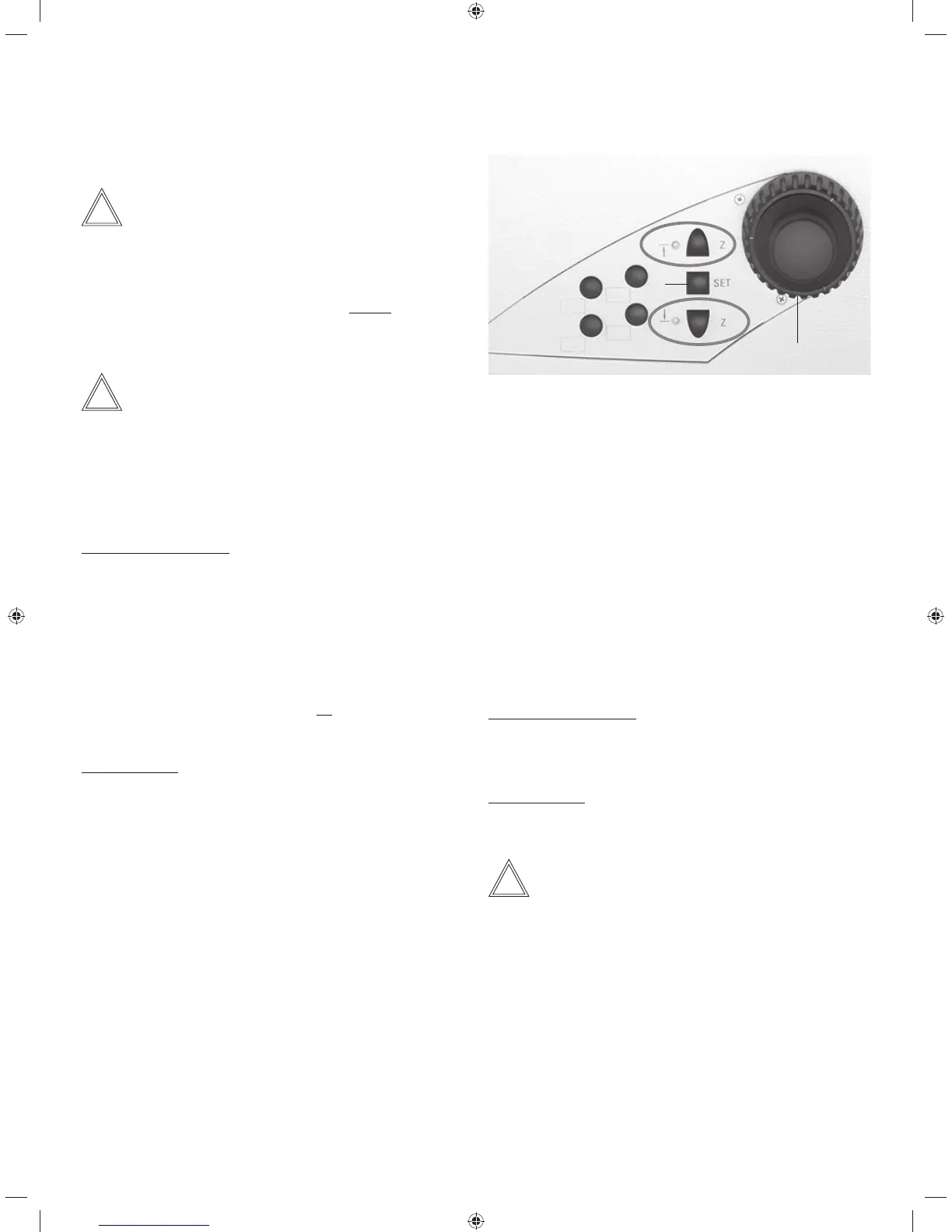
5. OPERATION - FOCUSING
Right side of Leica DMi8 with motorized focus
1 Focusing
2 Focus stop
(the LED illuminates when focus threshold is set)
3 Setting the focus position and focus threshold
4 Focus position
(the LED illuminates when the focus position is set)
2
3
4
1
Moving to the thresholds
Lower focus threshold:
t1SFTTBOEIPMEUIFLFZ
p
—
Z
Focus position:
Press and hold the key
n
—
Z
Note:
When moving to the thresholds, the keys must be held until
the position has been reached.
5.7.2 Focus thresholds
Leica DMi8 with motorized focus/closed loop
Note:
The parfocality is taught in at the factory. As a result of
screwing in the objectives during assembly, it might be nec-
essary to teach in the parfocality again.
We recommend checking the parfocality before setting the
thresholds and, if necessary, teaching them in again using
the LAS X software.
Note:
The focus position and stops are stored by the microscope
and retained from one session to the next when power is
switched off.
Setting thresholds
Lower focus threshold:
t1SFTTUIFSET key and the key
p
—
Z
When the threshold is set, the LED is illuminated.
Pressing the same key combination again deletes the
threshold.
The lower threshold is the same for all objectives and can-
not be exceeded.
Focus position:
t1SFTTUIFSET key and the key
n
—
Z
When the focus position is set, the LED is illuminated.
Pressing the same key combination again deletes the fo-
cus position.
The focus position cannot be exceeded.
It should be defined for the dry objective with the highest
magnification level. For all other objectives, it is set auto-
matically, taking into account the parfocality adjustment
and the working distance.
55



 To Next Page