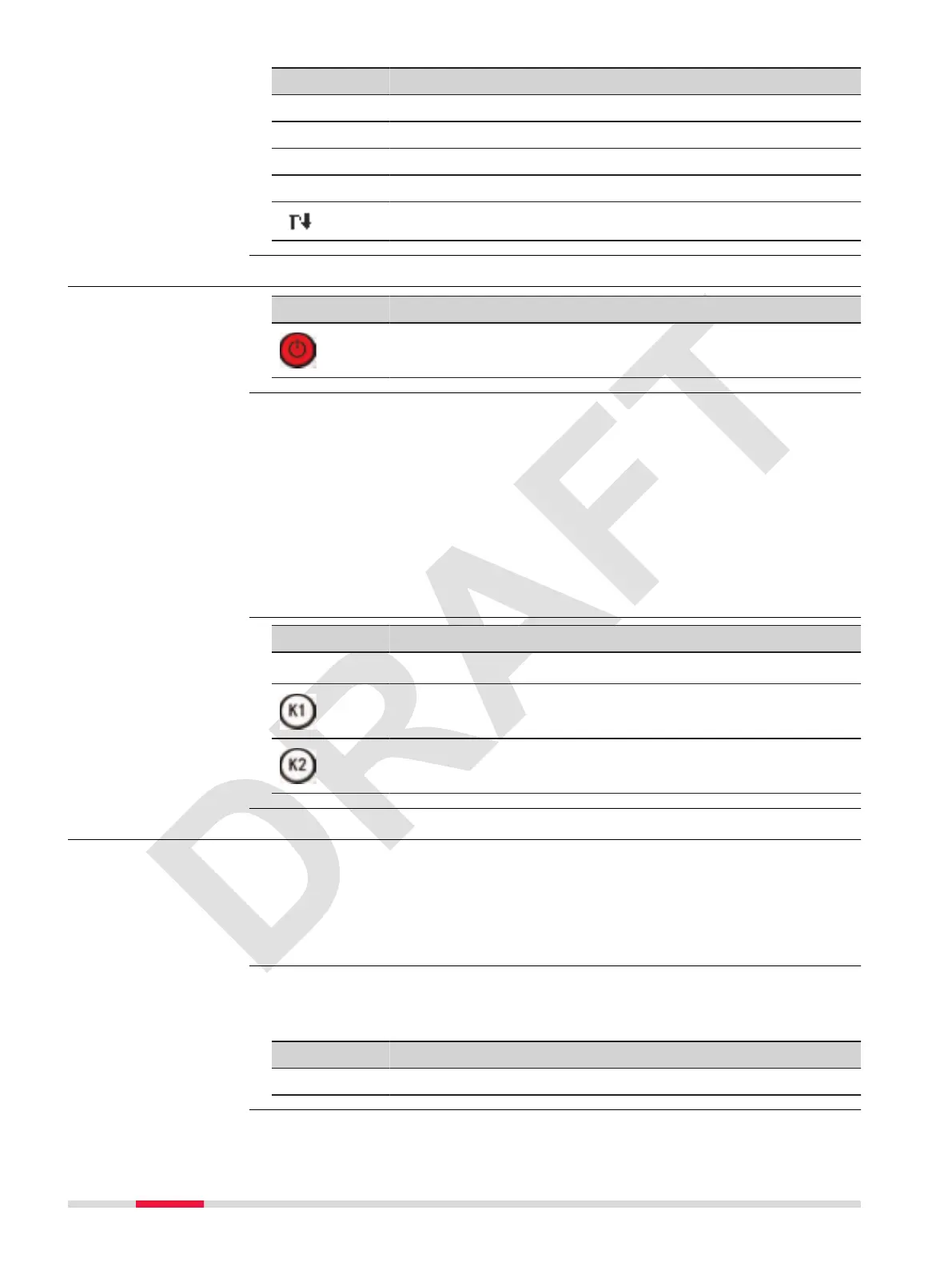
Key Description
Dist To execute a distance measurement.
View To view details about the selected item.
Letter To change the keypad operation to alphanumerical.
Number To change the keypad operation to numerical.
To display the next softkey level.
3.5 Operating Principles
Button Description
To turn the instrument on or off, use the On/Off key on the
keyboard of the instrument.
The alphanumerical keypad is used to enter characters directly into editable
elds.
•
Numeric elds: Can only contain numerical values. By pressing a key of
the keypad the number will be displayed.
•
Alphanumeric elds: Can contain numbers and letters. By pressing a
key of the keypad the rst character written above that key will be dis-
played. By pressing several times you can toggle through the characters.
For example: 1->S->T->U->1->S....
When the alphanumeric mode is active, numbers are not selectable. For
example: T=>U=> V=>T....
Button Description
☞
ESC deletes any change and returns to previous panel.
Moves the cursor to the left
Moves the cursor to the right.
3.6 Point Search
Pointsearch is a function to nd measured points or xpoints in the memory
storage.
It is possible to limit the point search to a particular job. The search proced-
ure always nds xpoints before measured points that full the same search
criteria.
By entering an actual point number, for example 402, and pressing Search, all
points within the selected job and with the corresponding point number are
found.
Key Description
Search To search for matching points within the selected job.
Turn instrument
on/off
Alphanumeric keypad
Edit elds
Description
Direct search
26 User Interface



 To Next Page