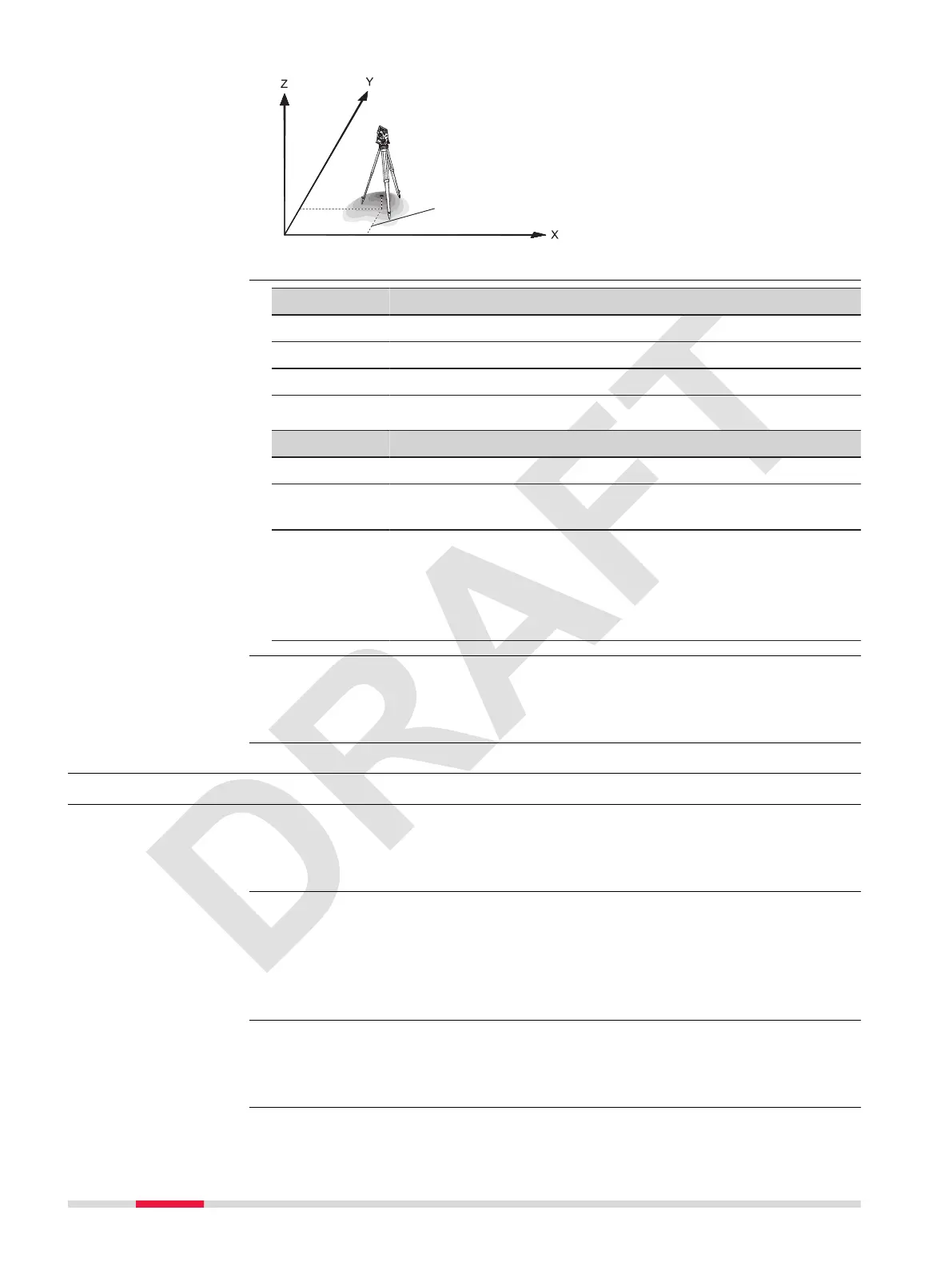
Directions
X Easting
Y Northing
Z Height
Station coordinates
Stn.X Easting coordinate of sta-
tion
Stn.Y Northing coordinate of sta-
tion
Key Description
Value To search for a point.
Coord To open the manual coordinate entry screen.
OK To conrm the entered values and continue in the process.
Description of elds
Field Option Description
E :, N :, Z : Display only The coordinates of the station.
PointID: Display only Station name of a previously saved station
position.
hi: Editable eld Instrument height
☞
The calculation of coordinates is
based on plane coordinates (X and
Y). Enter the instrument height if
necessary.
If no station was set and an app was started, then the last station is set as
the current station and the current horizontal direction is set as the orienta-
tion.
6.4 Selecting the Orientation
6.4.1 Overview
All measurements and coordinate computations are referenced to the orienta-
tion of the set station. The orientation can be entered manually or determined
from points that are either measured or selected from the memory.
Select Select Orientationin the Pre-settings screen and choose:
•
Angle Orientation to enter a new bearing. Refer to
6.4.2 Orientation
with Angle.
•
Coordinates Orientation to calculate and set the orientation using
existing coordinates. Refer to
6.4.3 Orientation with Coordinates.
If no station was set and an app was started, then the last station is set as
the current station and the current horizontal direction is set as the orienta-
tion.
Station input
☞
Description
Access
☞
46 Apps - Getting Started



 To Next Page