Field Option Description
COForm: The order in which grid coordinates are
shown in screens.
NEZ North is shown rst, East second.
ENZ East is shown rst, North second.
5.4 Other Settings
1. Select Setting from the Main Menu.
2. From the Setting menu, select Other Setting.
Key Description
OK To conrm the entered values and to continue the process.
To scroll through the screen of available settings.
Description of elds
Field Option Description
Contrast: 0% to 100% Sets the display contrast in 10% steps.
Illumina-
tion:
ON
or
OFF
Sets the screen illumination on or off.
Reticule: 0% to 100% Sets the reticle illumination in 10% steps.
Beep: ON
or
OFF
The beep is an acoustic signal after each key
stroke.
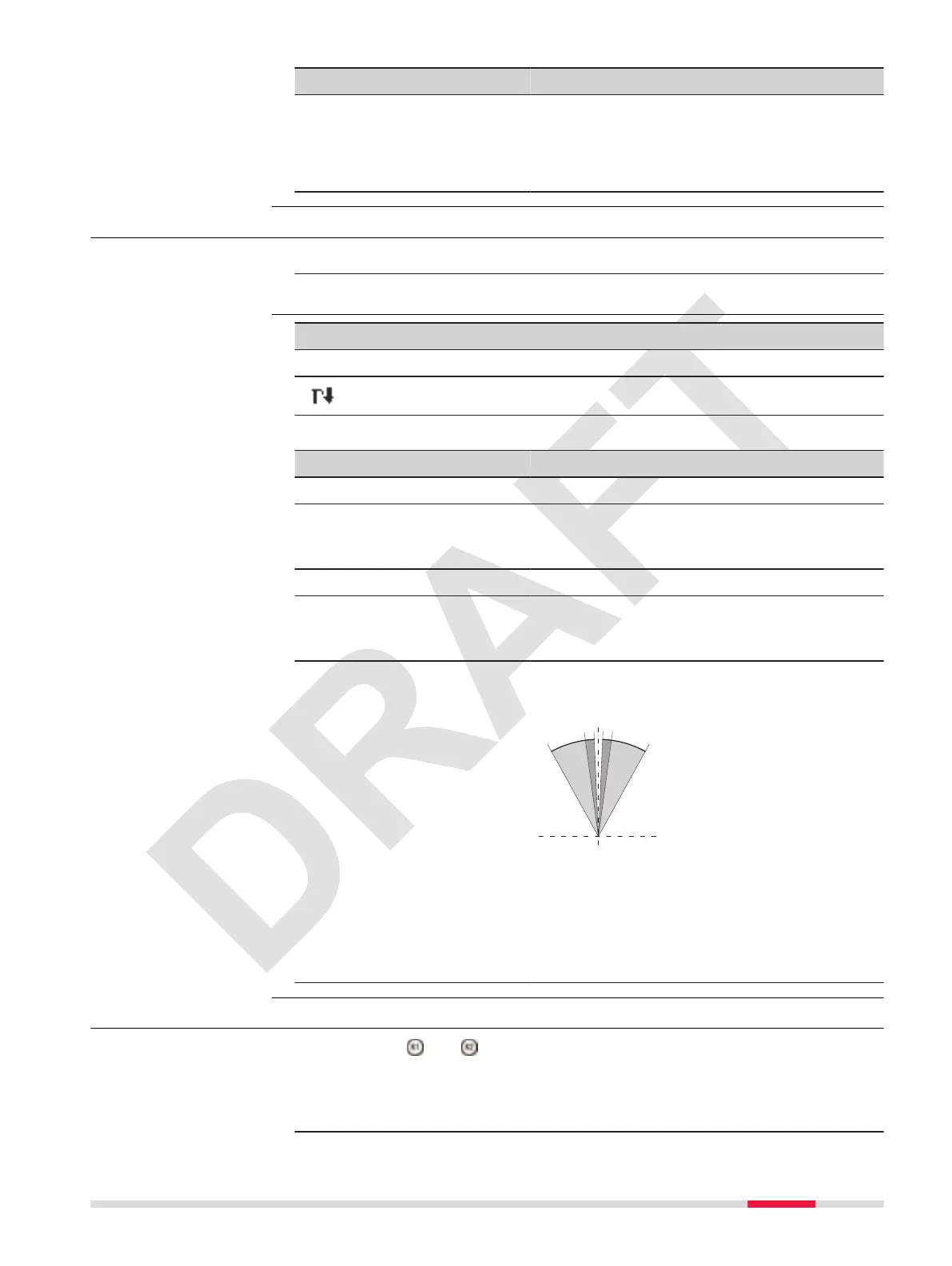
Sector
Beep:
ON Sector beep sounds at right angles (0°, 90°,
180°, 270° or 0, 100, 200, 300 gon).
TSOX_094
1
1
90°
0° 180°
22
33
1
1 No beep
2 Fast beep; from 95.0 to 99.5 gon and
105.0 to 100.5 gon.
3 Permanent beep; from 99.5 to 99.995
gon and from 100.5 to 100.005 gon.
OFF Sector Beep is deactivated.
5.5 Shortcut Keys Settings
Congures the and keys with a function.
When a function is assigned to one of the keys, the function can be started by
just one button press.
1. Select Setting from the Main Menu.
Access
Other Setting
Access
Settings 39



 To Next Page