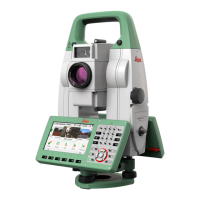
4.2.2 Battery for the TS Instrument
1. Face the instrument so that the horizontal drive is at the right side,
where also the battery compartment is located.
Press both knobs on the side of the battery compartment to open
it.
2. Pull out the battery housing.
3. Pull the battery out of the battery housing.
4. At the top of the battery is a notch which corresponds to the inner
surface of the battery housing. This notch helps you to place the
battery correctly.
Place the battery into the battery housing, ensuring that the con-
tacts are facing outward. Click the battery into position.
5. Place the battery housing into the battery compartment. Push the
battery housing in until it ts completely into the battery compart-
ment.
6. Push the battery compartment back into the instrument.
☞
A sound appears when the compartment snaps in its nal
position.
4.3 Data Storage
An internal memory is included in the instrument. The basic eld software
stores all data in projects and jobs in a database in the internal memory.
Data can be transferred from the internal memory to a computer or other
device via an USB stick inserted into the USB host port.
Removing the USB stick during operation can cause loss of data. Only remove
the USB stick when the TS instrument is switched off.
4.4 Main Menu
Press on the keyboard to enter the Main Menu.
Description of the Main Menu functions
Function Description
Apps To select and start apps. Refer to 7 Apps.
Change the battery
step-by-step
Description
☞
Main Menu
30 Operation


 To Next Page