Field Option Description
Hz: Display only Horizontal angle to the measured point or
calculated offset point.
Measured horizontal direction to the right
side of the object.
Measured horizontal direction to the left
side of the object.
E : Display only Easting coordinate of the centre point.
N : Display only Northing coordinate of the centre point.
Z : Display only Height of the point measured with the
reector.
☞
This is not the calculated height of
the centre point.
Radius: Display only Radius of the cylinder.
1. Align to a point on the cylinder.
Rotate the instrument to aim in the direction of the centre point of
the cylindrical object, such that horizontal angle is zero.
2. Press Meas for survey.
3. To repeat the measurement, press Meas again.
Press OK to save the point.
4. Using the vertica lhair, aim at the left side of the object.
5. Press OK for survey.
6. Using the verticalhair, aim at the right side of the object.
7. Press OK for survey.
8. Check the results.
9. Press Store to record the results.
Press END to exit the app without storing the results.
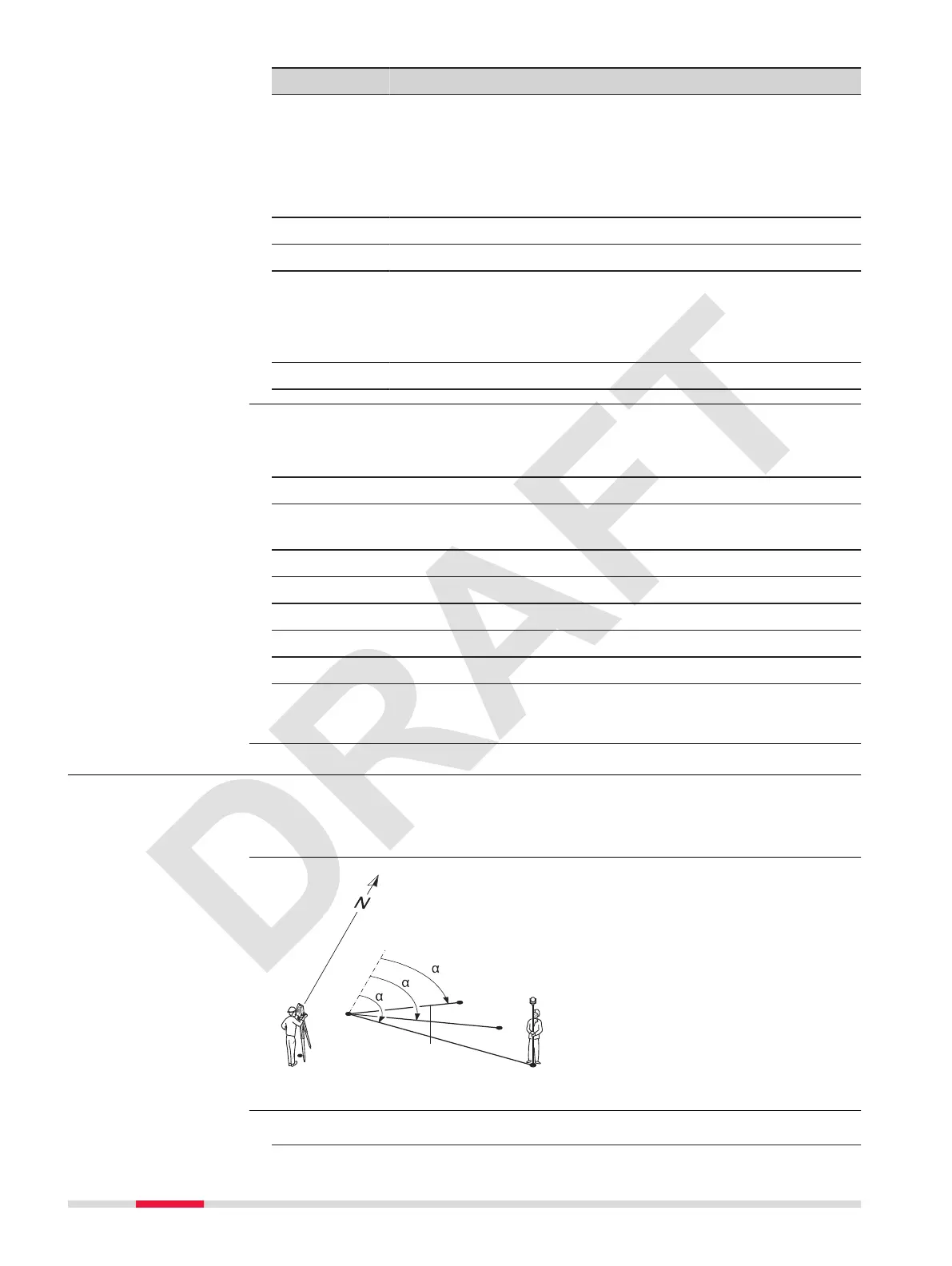
7.5 Missing Line Measurement
Miss.Line Measure(MLM) is an app used to compute slope distance, hori-
zontal distance, height difference and azimuth of two target points which are
either measured, selected from the memory, or entered using the keypad.
TSOX_047
P1
P0
P2
P3
P4
Hz = 0
d1
d3
d2
1
2
3
P0 Instrument station
P1-P4 Target points
d1 Distance from P1-P2
d2 Distance from P1-P3
d3 Distance from P1-P4
a1
Azimuth from P1-P4
a2
Azimuth from P1-P3
a3
Azimuth from P1-P2
1. Select Apps from the Main Menu.
Cylindrical offset
measurements step-
by-step
Description
Radial method
Access
56 Apps



 To Next Page