2. From the Setting menu, select Shortcut Keys Setting.
3. Select K1 Setting or K2 Setting.
4. Select a function from the list.
5.6 EDM Settings
The settings on this screen dene the active EDM, Electronic Distance Meas-
urement. Different settings for measurements are available with reectorless
and prism EDM modes.
1. Select Setting from the Main Menu.
2. From the Setting menu, select EDM Setting.
Select the options to be changed by the up and down navigation keys, then
change by the left and right keys. Enter the corresponding settings through
the softkeys. Page down through
.
Key Description
Atmos To enter atmospheric data ppm.
PPM To enter an individual ppm value.
OK To conrm the entered values and to continue the process.
Scale To enter projection scale details. Coordinate will be correc-
ted by PPM parameters.
Signal To view EDM Signal reection value.
Reset To reset all editable elds to their default values.
Description of elds
Field Description Description
EDM Mode: Prism For distance measurements using prisms.
Foil For distance measurements using Retro
reective targets.
NonPrism For distance measurements without prisms.
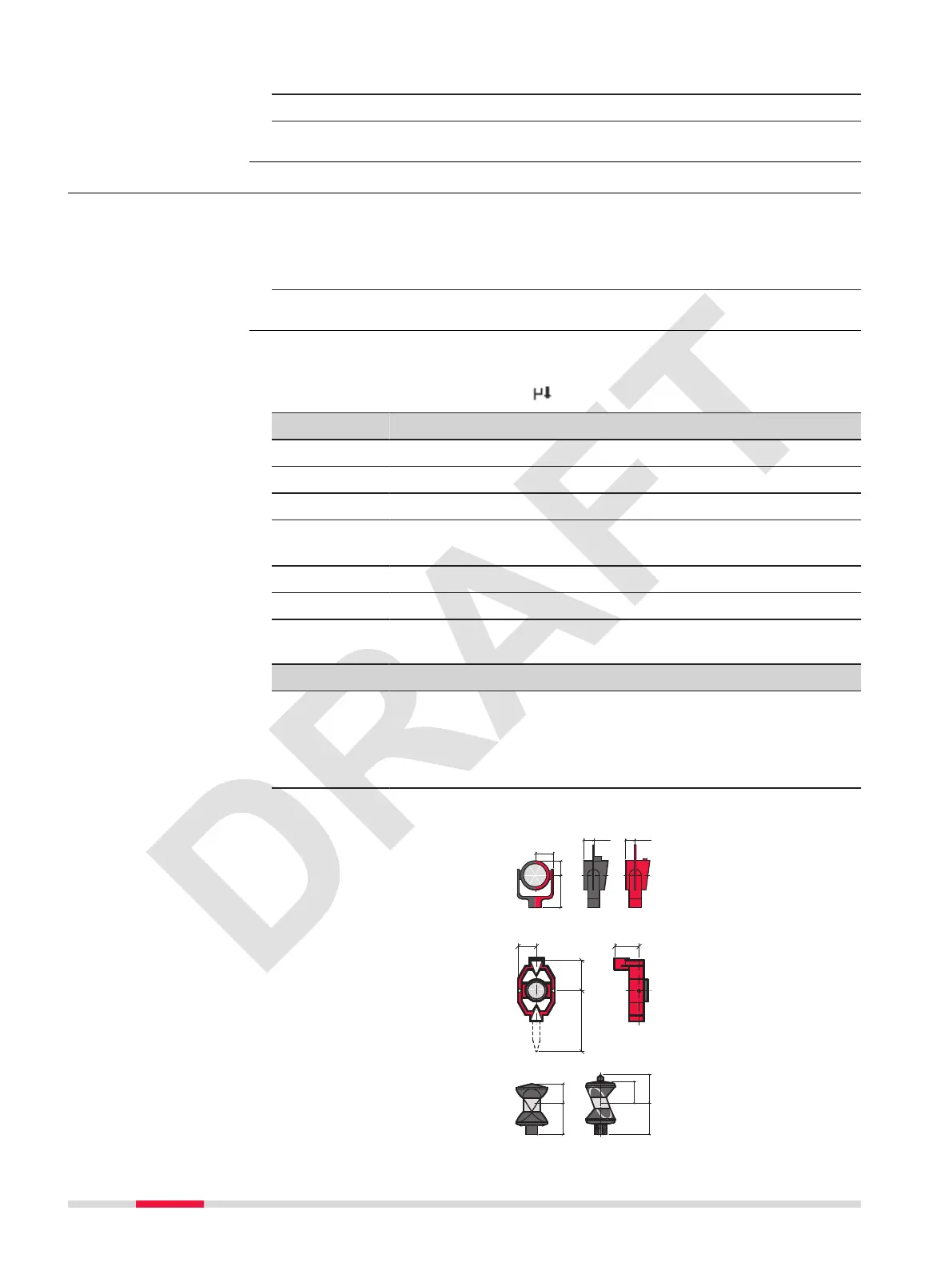
Prism Type:
☞
The Leica prism constant is shown.
Round
Leica prism constant:
0 mm
MINI
Leica prism constant:
17.5 mm
360°
Leica prism constant:
23.1 mm
Access
EDM Settings
40 Settings



 To Next Page