3. Select:
•
Hz Collimation, or
•
V-Index.
•
Compensator
•
View Calibration.
In the Check & Adjust screen there are several calibration options.
Menu selection Description
Hz Collimation Refer to Check and adjust step-by-step.
V-Index Refer to Check and adjust step-by-step.
Compensator Refer to 11.1.4 Adjusting the Compensator.
View Calibration Displays the current calibration values and
compensator indexes that have been set for
HA-Collimation and V-index.
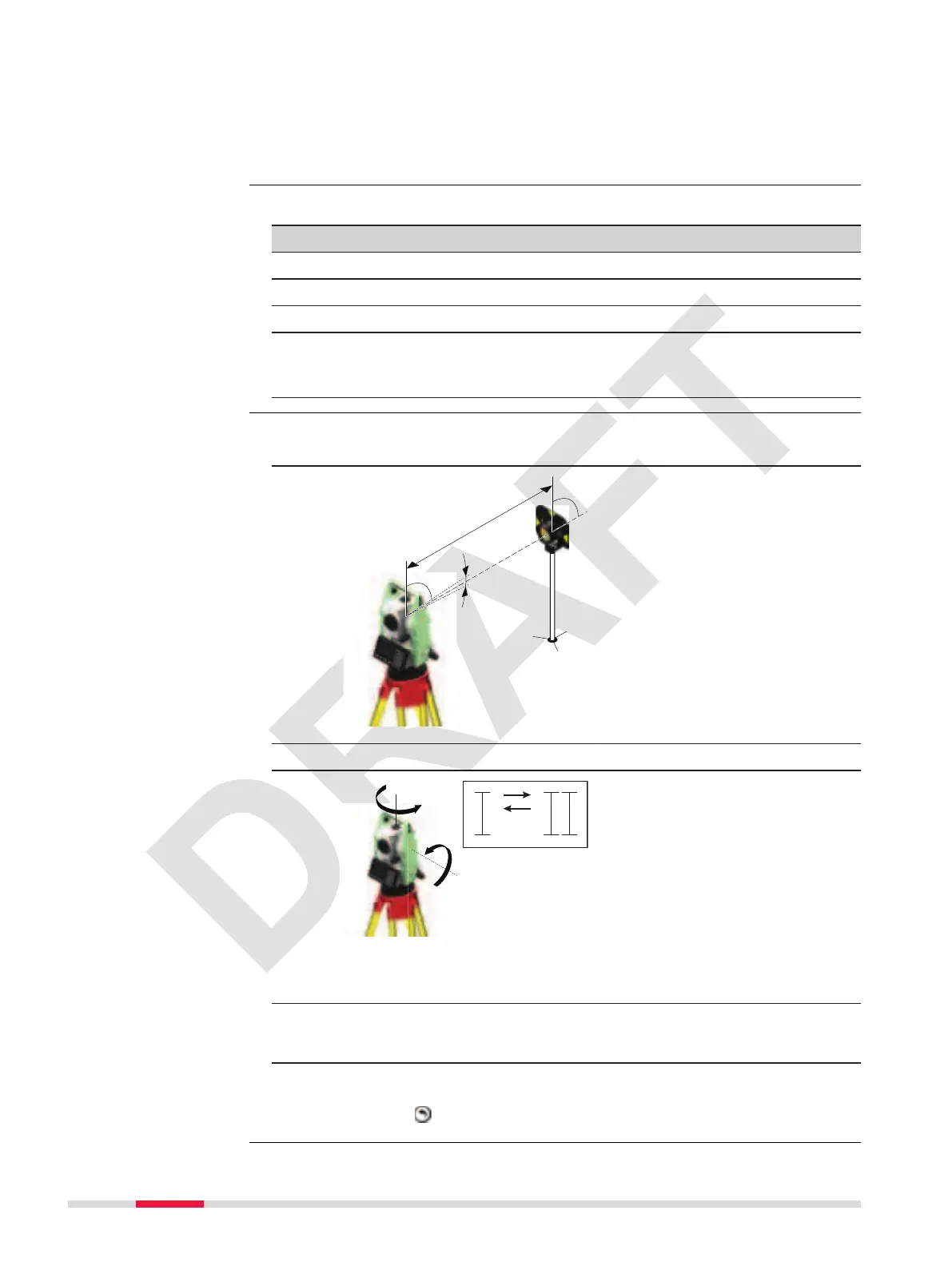
1. Level the instrument with the electronic level. Refer to 4 Operation -
Level up with the electronic level step-by-step.
2.
Aim at a point approximately 100
m from the instrument which is
within 5° of the horizontal.
3. Press OK to measure to the target point.
4.
Change face and aim at the tar-
get point again
☞
For checking the horizontal aim, the difference in Hz and
V are displayed.
5. Press OK to measure to the target point.
☞
The old and new calculated values are displayed.
6. Either:
•
Press OK to save the new adjustment data, or
•
Press
to exit without saving the new adjustment data.
Calibration options
Check and adjust
step-by-step
86 Tools



 To Next Page