DSS-1000 User Manual
111
Deleting Cameras
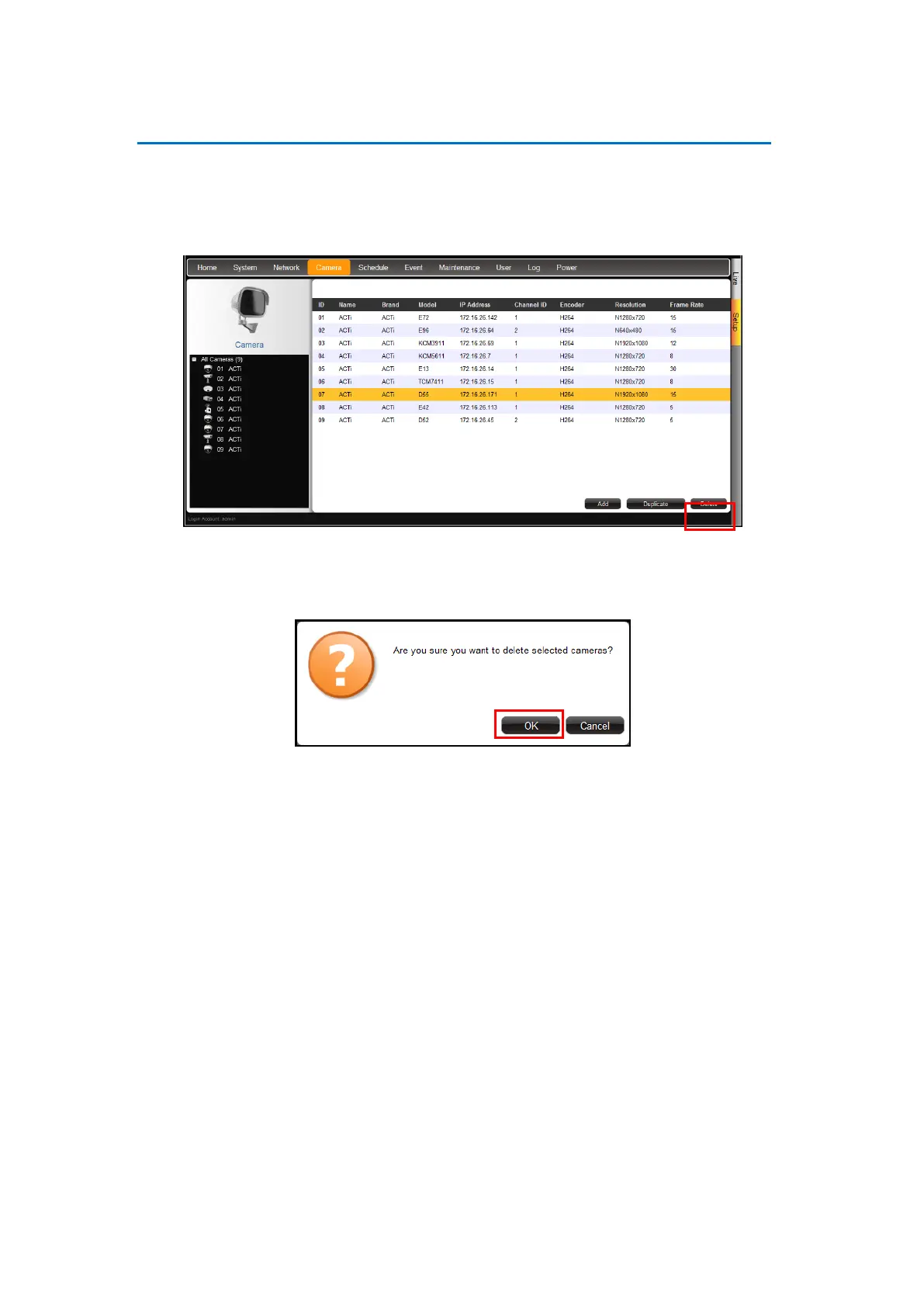
1. On the Setup screen, click Camera.
2. If the camera list table is not shown, click All Cameras or Camera List.
3. On the camera list table, click the camera(s) to delete. Click as many cameras as needed.
4. Click Delete.
5. A message appears, click OK to confirm.



 To Next Page