DSS-1000 User Manual
123
Copying Event Schedule Settings
Instead of manually modifying the event schedule and beep settings on all cameras one by
one, users can copy the settings to other channels.
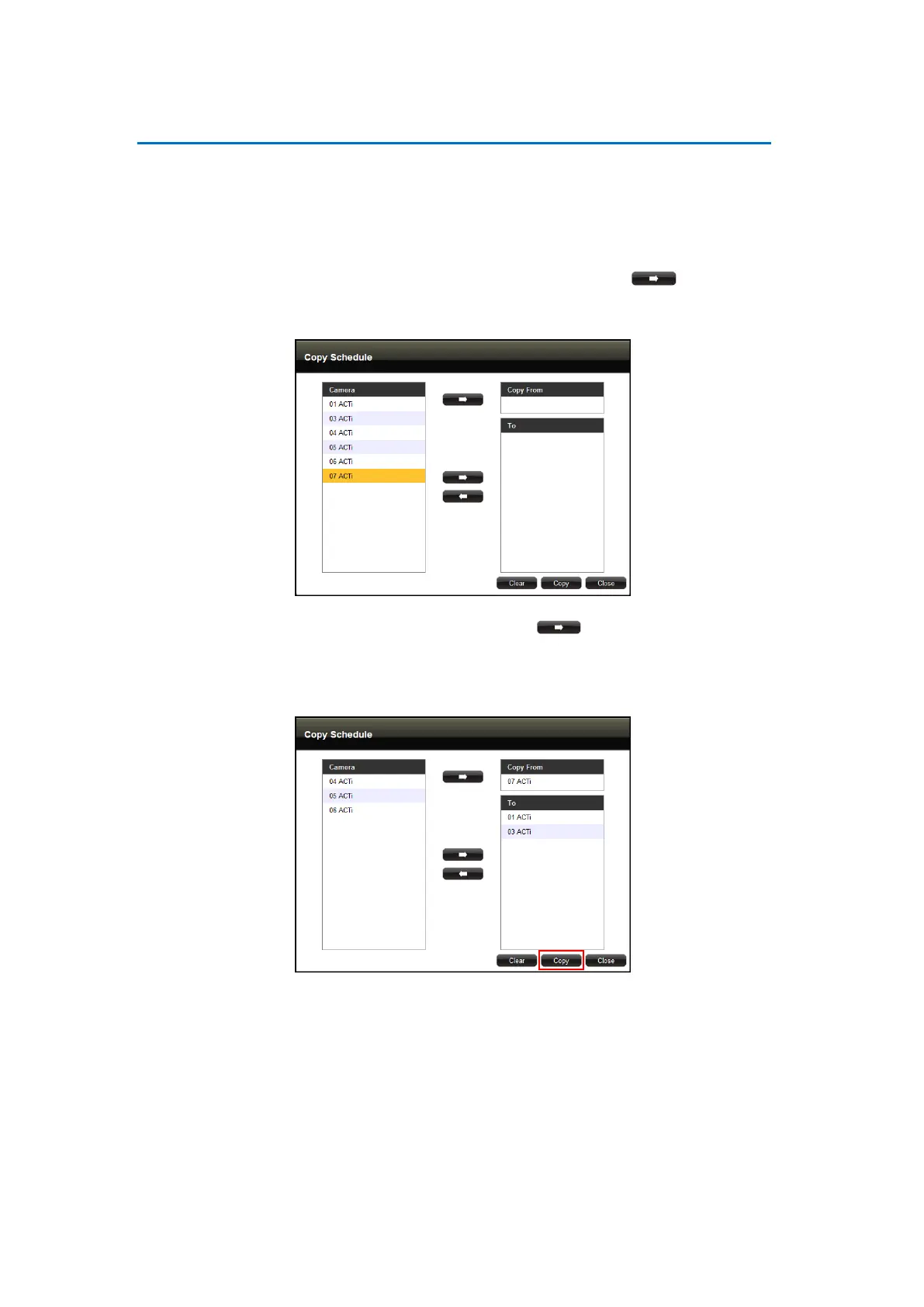
1. After setting the event schedule or beep settings, click Copy. The Copy Schedule window
appears.
2. The current camera is highlighted in orange. Click the Copy From button. This
sets the current camera as the source.
3. Select camera(s) from the left panel and click the To button.
4. Click Copy. The current camera event schedule or beep settings will be copied to the
camera(s) under To.
5. A message appears when copy is complete. Click OK to close the window.



 To Next Page