DSS-1000 User Manual
130
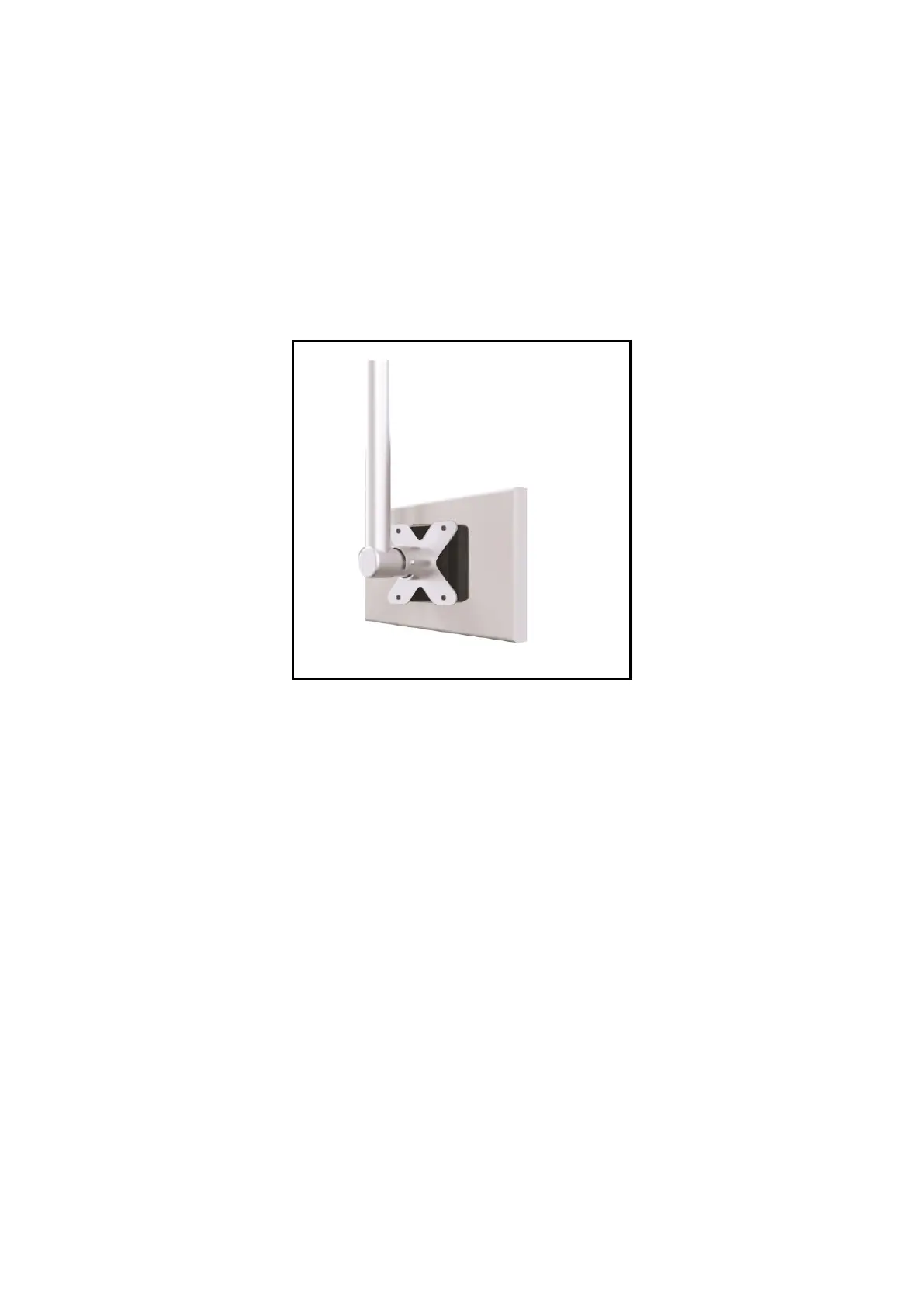
4.2 How to Use VESA Mount?
DSS-1000 is designed to be directly installed between a VESA mount and a monitor.
1. Place the device in between a VESA mount (10 x 10) and the monitor, with the top side of
the device facing the monitor while the bottom side facing the VESA mount.
2. Attach the 4 supplied long screws to secure DSS-1000.



 To Next Page