DSS-1000 User Manual
48
Show system time: If checked, the system date and time is displayed on the bottom of
the Live View screen.
Show system IP address: If checked, the system IP address is displayed on the
bottom of the Live View screen.
Show camera name: If checked, the camera name is displayed on the upper left corner
of the channel.
Show camera IP address: If checked, the camera IP address is displayed on the upper
left corner of the channel. For security reasons, it is recommended to uncheck this
function to hide the IP address from showing on the local display.
Show camera event trigger: If checked, an event trigger icon, such as motion
detection, will appear on the upper right corner of the channel when an event occurs.
Show grid line: If checked, the lines separating the camera channels are displayed on
the Live View screen.
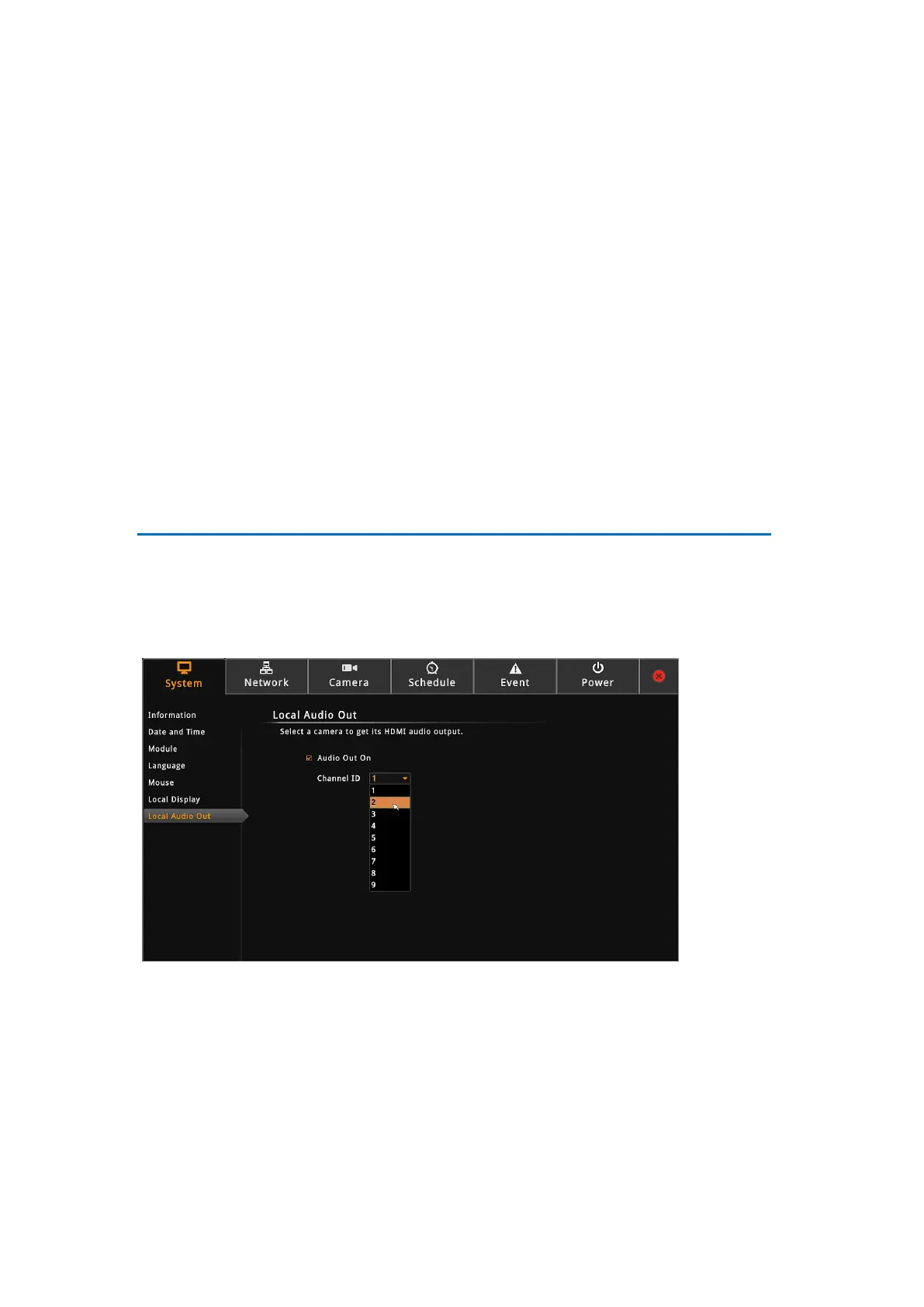
Local Audio Out
By default, all the channels are muted. You can play the audio recorded by a specific channel
via HDMI cable.
On the Setup screen, click System > Local Audio Out.
Enable “Audio Out On” and then select the channel from Channel ID list.



 To Next Page