DSS-1000 User Manual
124
3.9 System Maintenance
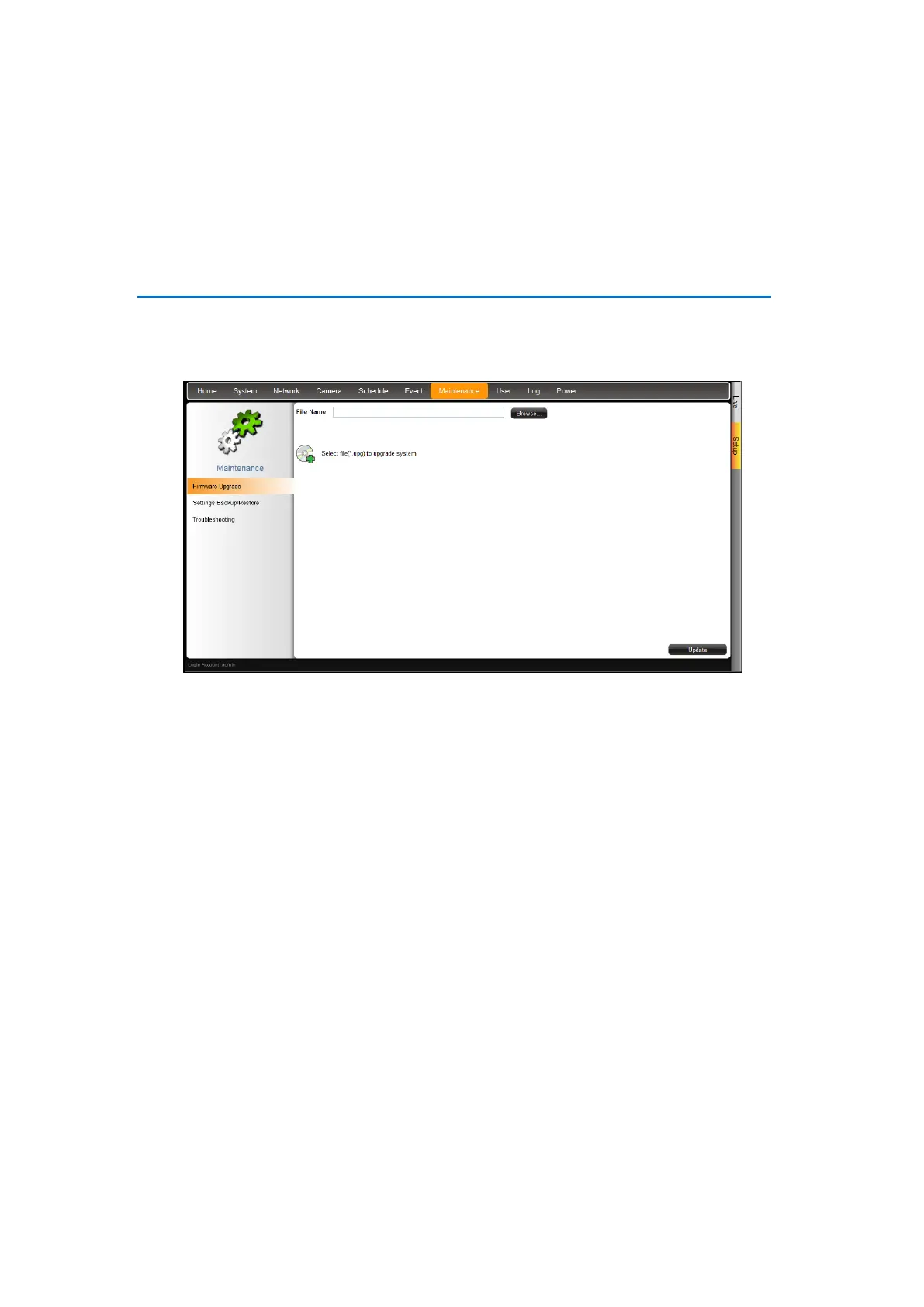
The Maintenance page allows users to upgrade the firmware, backup or restore the system
settings, and save error reports for troubleshooting.
Upgrading the Firmware
1. Check and download the latest firmware package from the website.
2. On the Setup screen, click Maintenance > Firmware Upgrade.
3. Click Browse, and then browse for the downloaded firmware file (*.upg).
4. Click Update to start the upgrade.
WARNING: Do not restart or turn off the remote computer while the system is upgrading
the firmware!
5. A message appears when upgrade is complete, click OK to reboot DSS-1000.
NOTE: All video streams will be lost for a few seconds until DSS-1000 completes the
reboot process.



 To Next Page