DSS-1000 User Manual
129
Chapter 4:
Installation and Maintenance
This chapter describes the different ways to install DSS-1000:
Surface Mount
VESA Mount
Pole Mount
4.1 How to Surface Mount?
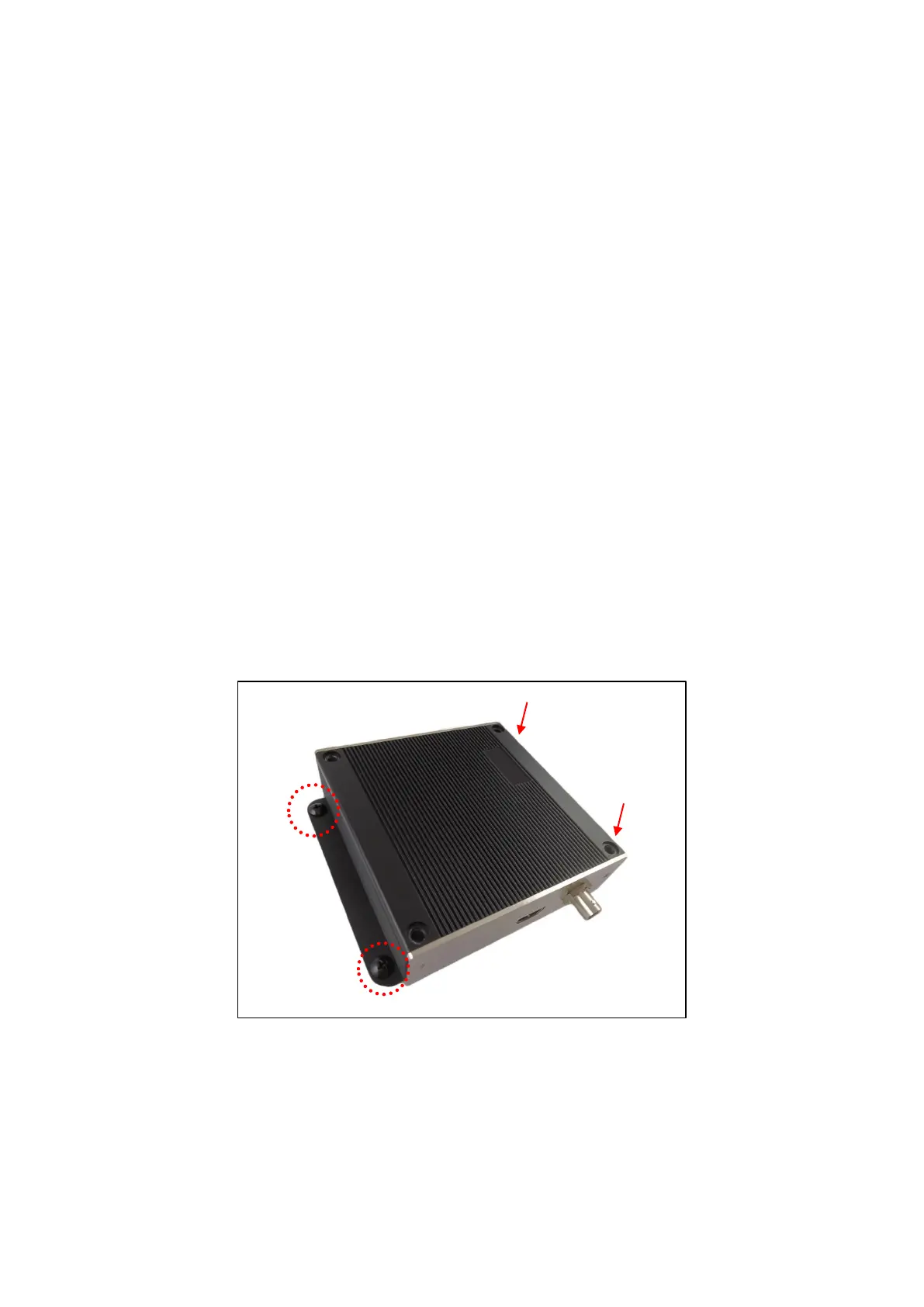
DSS-1000 can be mounted on a straight wall or on a table or pedestal. For wall installation, it is
recommended to install DSS-1000 with the HDMI and Composite connectors facing down.
1. Mark the 4 screw holes on the surface.
2. If necessary, drill the holes and insert the plastic plugs.
3. Attach the 4 supplied screws to secure the device.



 To Next Page