DSS-1000 User Manual
117
Adding Users
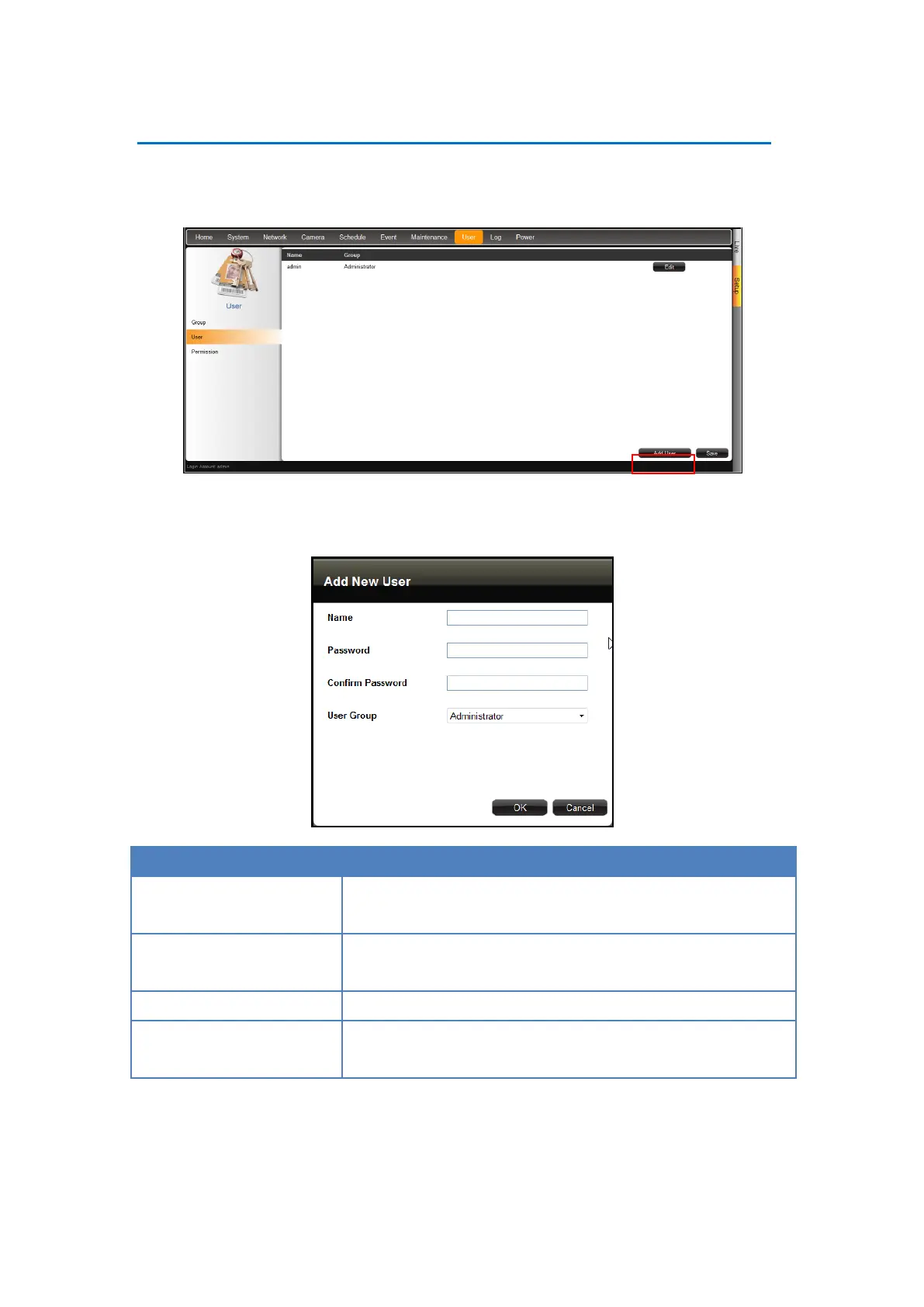
1. On the Setup screen, click User > User. By default, the “admin” user is preset and cannot
be deleted.
2. Click Add User.
3. Enter the following information:
Enter a user name. The name can be up to 63 alphanumeric
characters; symbols are not allowed.
Enter the password that will be used by the user to log into
DSS-1000.
Re-type the password here. The two passwords must match.
Select the group to where the user belongs. This group defines
the access rights granted for the user.
4. Click OK. The new user is added to the user table.



 To Next Page