DSS-1000 User Manual
115
3.7 Configuring User Access
User access permissions are managed by Groups. Groups define what functions and devices
are allowed for each user. Different Groups may have different access rights, like Live View,
Setup Access, and Remote Access.
To setup access permissions, perform the following:
1. Create a group. See below.
2. Add users to the group. See Adding Users on page 117.
3. Set the access rights. See Granting Access Permission on page 118.
Creating Groups
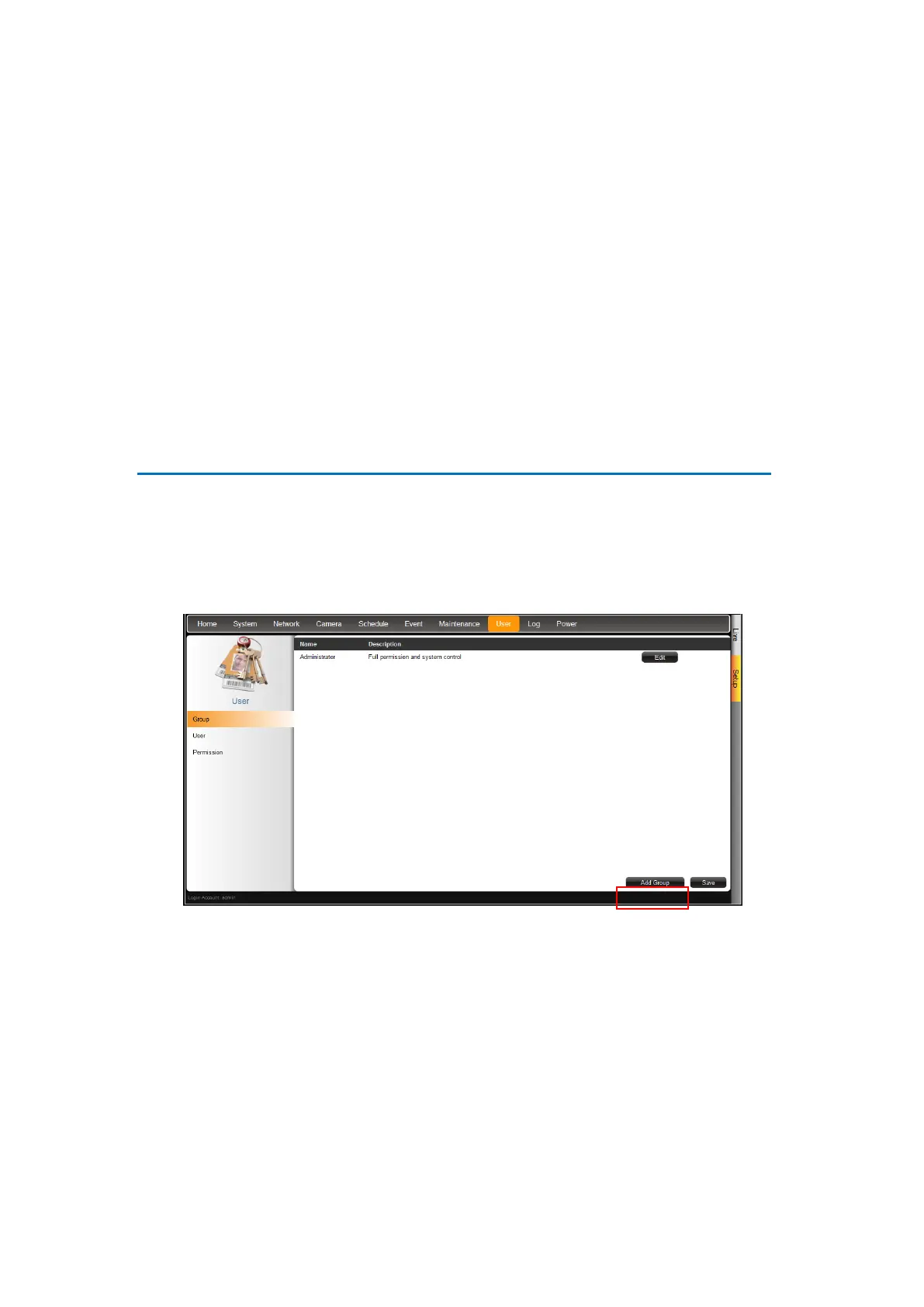
By default, an Administrator group with the “admin” user is preset with Live View, Setup
Access and Remote Access rights.
1. On the Setup screen, click User > Group.
2. Click Add Group.



 To Next Page