DSS-1000 User Manual
34
Using the On-Screen Keyboard
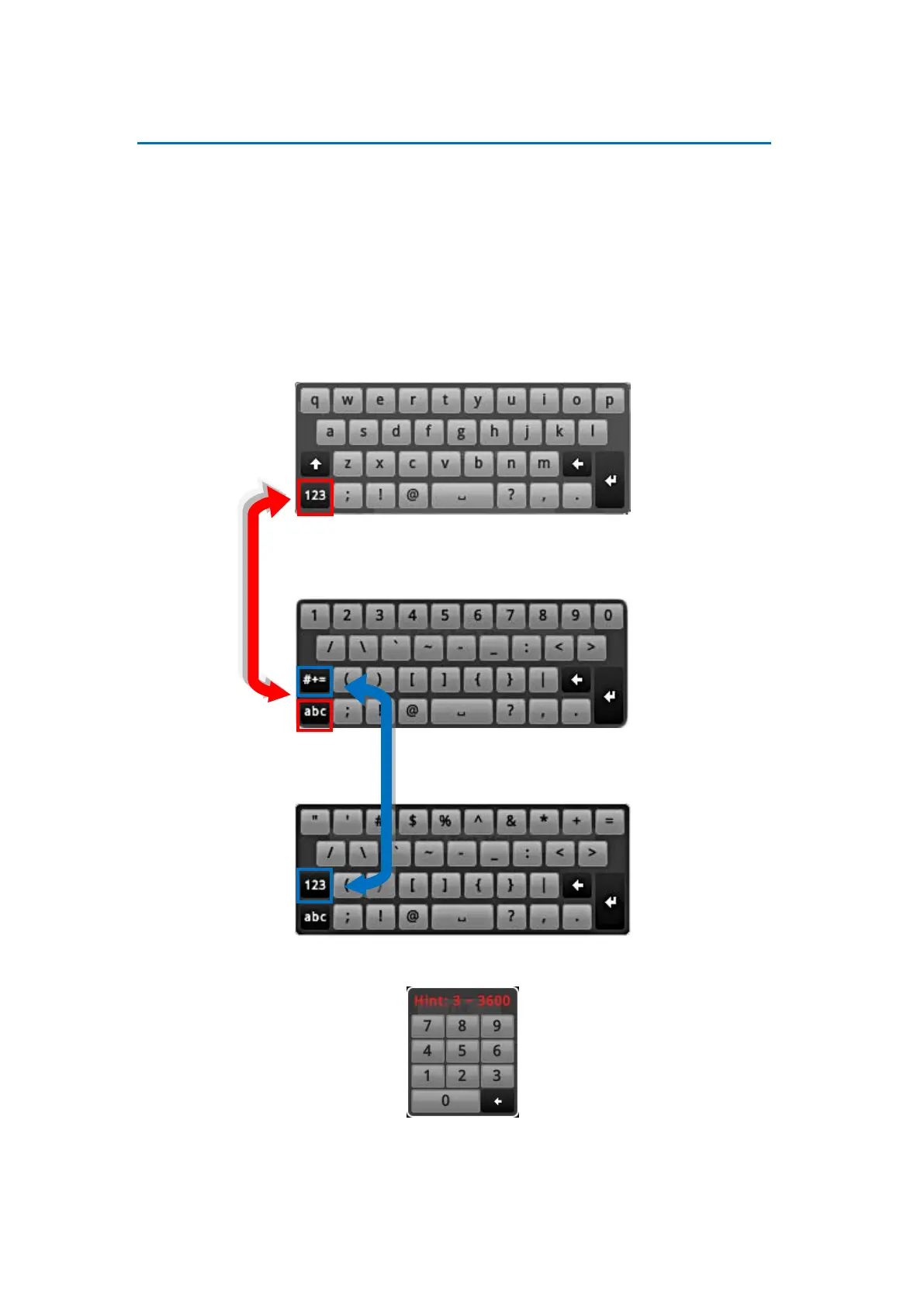
The on-screen keyboard allows users to enter text without using a physical computer keyboard.
The on-screen keyboard appears when users click on fields that require character or numeric
input, such as account name, password, etc. Using the mouse, click the keys on the on-screen
keyboard to enter characters or numbers.
The type of on-screen keyboard that appears may vary depending on the required text for
input.
Standard Alphabet +Symbol Keyboard
Number + Symbol Keyboard
Symbol Keyboard
Numeric Keyboard
NOTE: The on-screen keyboard may also contain tips or hints for input.



 To Next Page