DSS-1000 User Manual
118
Granting Access Permission
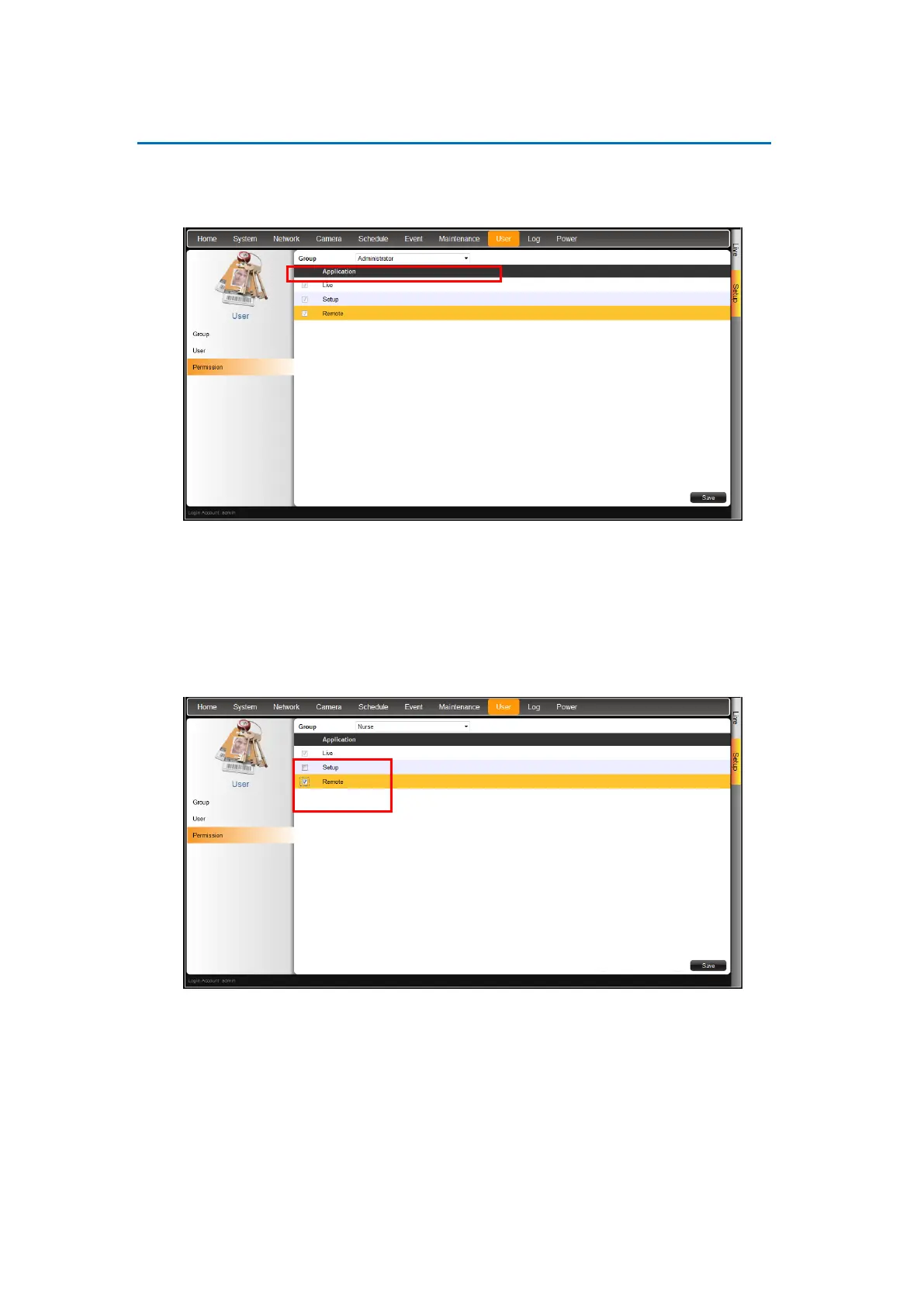
1. On the Setup screen, click User > Permission.
2. On Group, select the group.
3. Check the box to grant its access permission, options are:
Live: Permission for Live View. Live View access is always enabled.
Setup: Permission to access the Setup screen from both the local and remote client.
Granting this access enables the user to modify the camera and system settings.
Remote: Permission to access DSS-1000 through a remote client computer.
4. When done, click Save.



 To Next Page