DSS-1000 User Manual
31
Viewing Channels by Patrol
Instead of viewing all channels at the same time, users may want to view one channel in full
screen and scroll through all the channels at a time. To do this, follow the procedures below:
1. Click to start Sequence Patrol.
2. Enter the interval time (in seconds) using the on-screen keyboard (see Using the
On-Screen Keyboard on page 34). Then click OK.
3. Sequence Patrol starts. To stop the patrol, click .
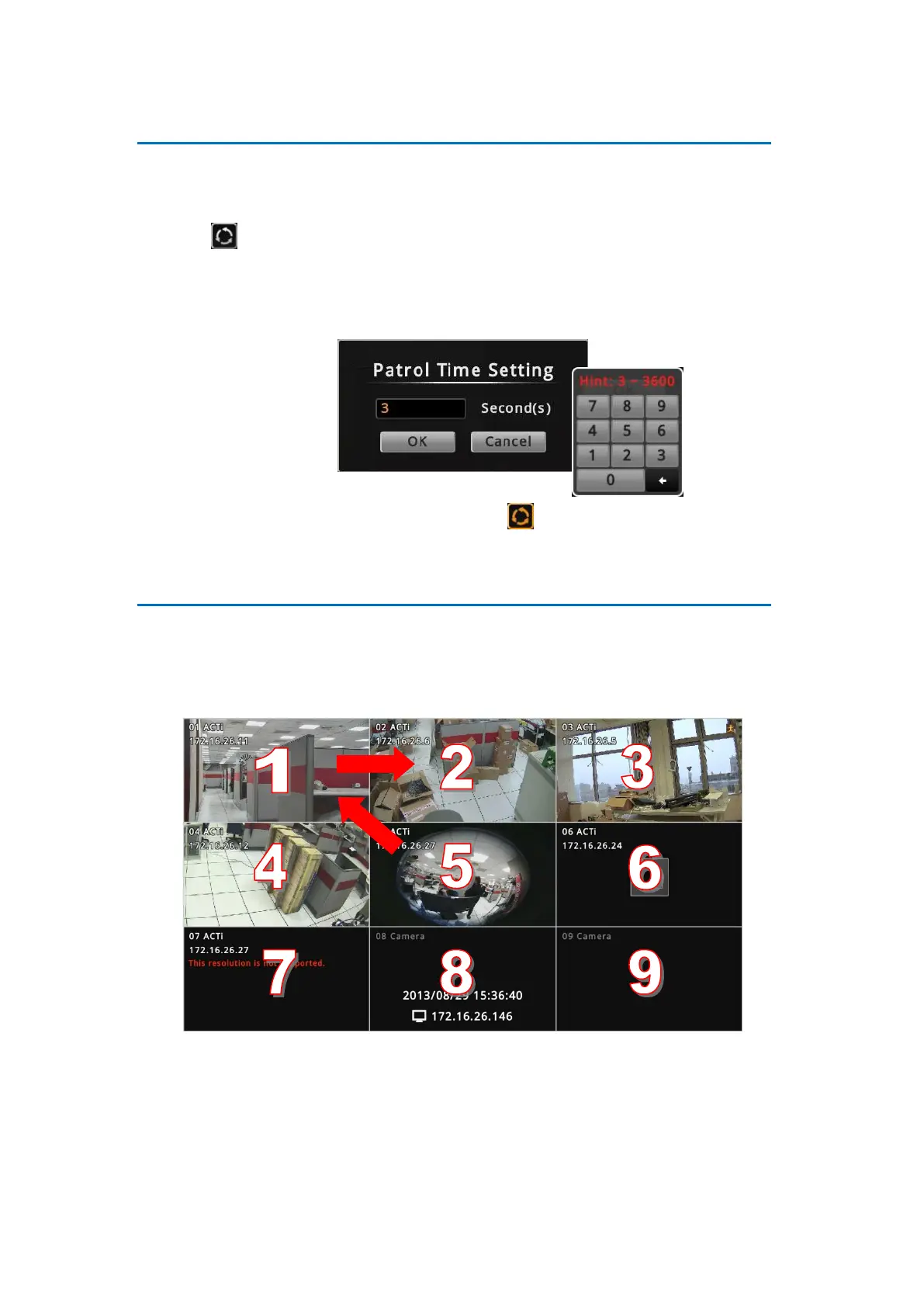
Repositioning Channels
By default the channels are displayed according to the sequence of the channel numbers. To
reposition the channel, use the mouse to drag the channel from its location to another location.
See examples below.
Default Channel Position



 To Next Page