DSS-1000 User Manual
84
Syncing Remote and Local Live View Display
The displayed cameras and window layout on the remote client and local client can be synced.
Click to sync the Live View based on the local client display. So instead of dragging the
camera to a channel window on the Live View display area every time the user access
DSS-1000, click to simply view the cameras as how users will see it on the local client
display.
Click to sync the local Live View based on the current remote client display.
Reconnecting the Cameras
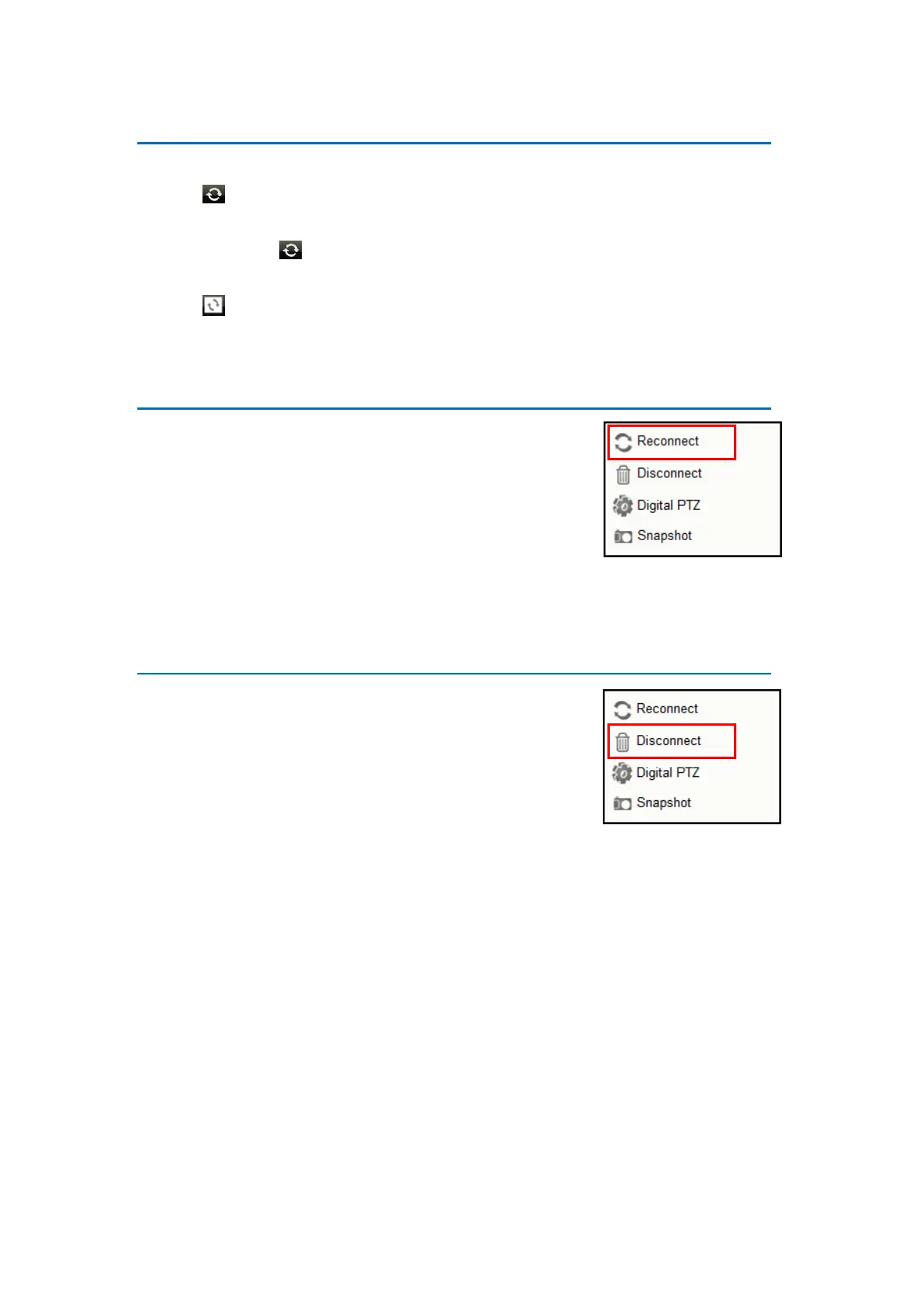
If there is a need to refresh the camera connection, right-click
on the channel window of the camera, and click Reconnect.
NOTE: All video streams will be lost for a few seconds until the
reconnection is finished.
Removing Video Stream from Live View
To remove the video stream from showing on the Live View
screen, right-click on the channel window of the camera,
and click Disconnect.



 To Next Page