DSS-1000 User Manual
44
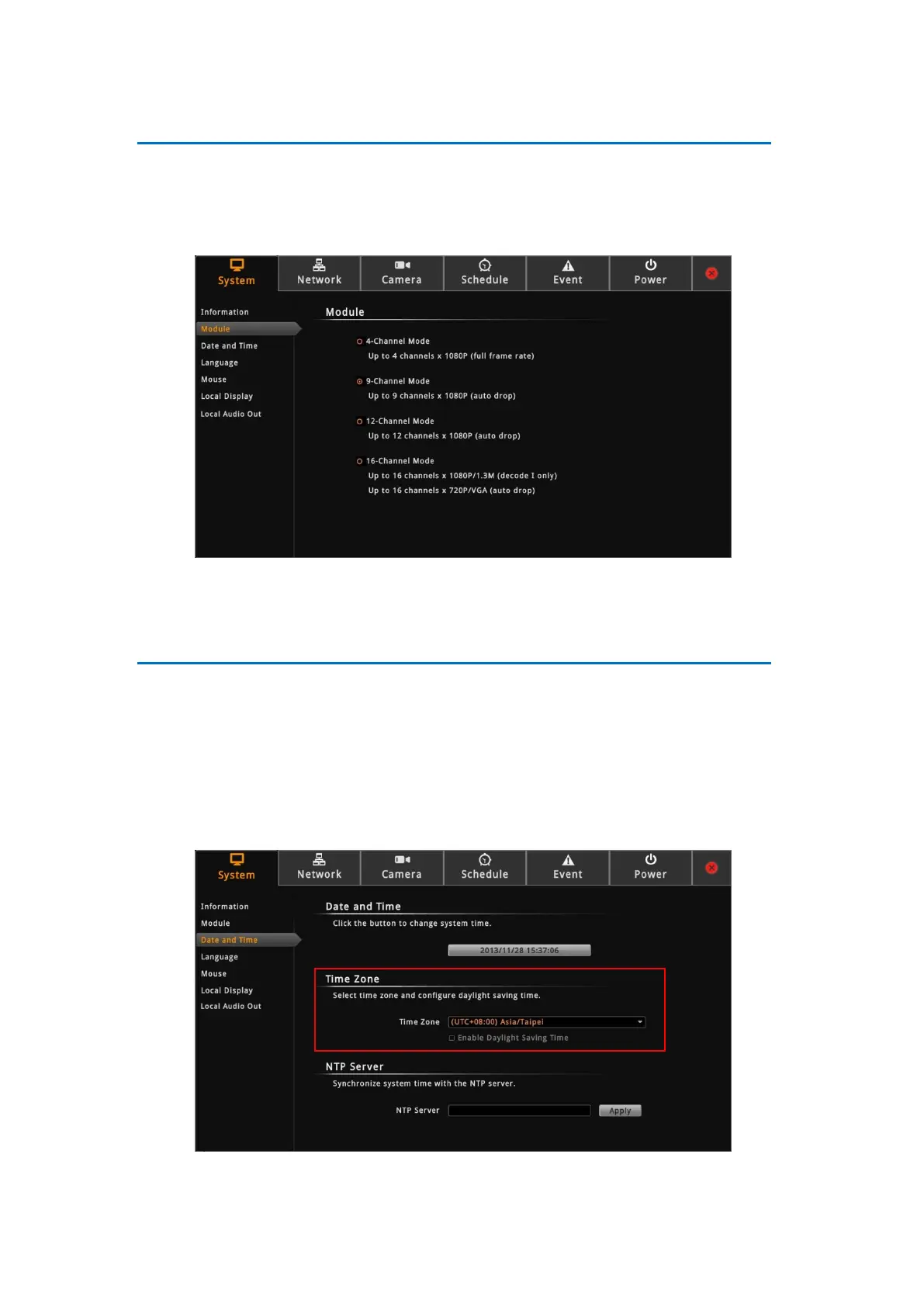
Module
The Module page allows you to select the maximum number of cameras that you can view
through DSS-1000. Options are: 4-channel, 9-channel (default mode), 12-channel, and
16-channel.
To ensure video stream performance, take note of the Decoding Limitation on page 13.
Date and Time
The Date and Time page allows you to manually change the system date and time or sync
with an NTP server.
Automatically Set the Date and Time
Select the time zone to automatically set the date and time.
1. On the Setup screen, click System > Date and Time.
2. On Time Zone, select the desired time zone. The system date and time automatically



 To Next Page