DSS-1000 User Manual
80
Viewing the Cameras
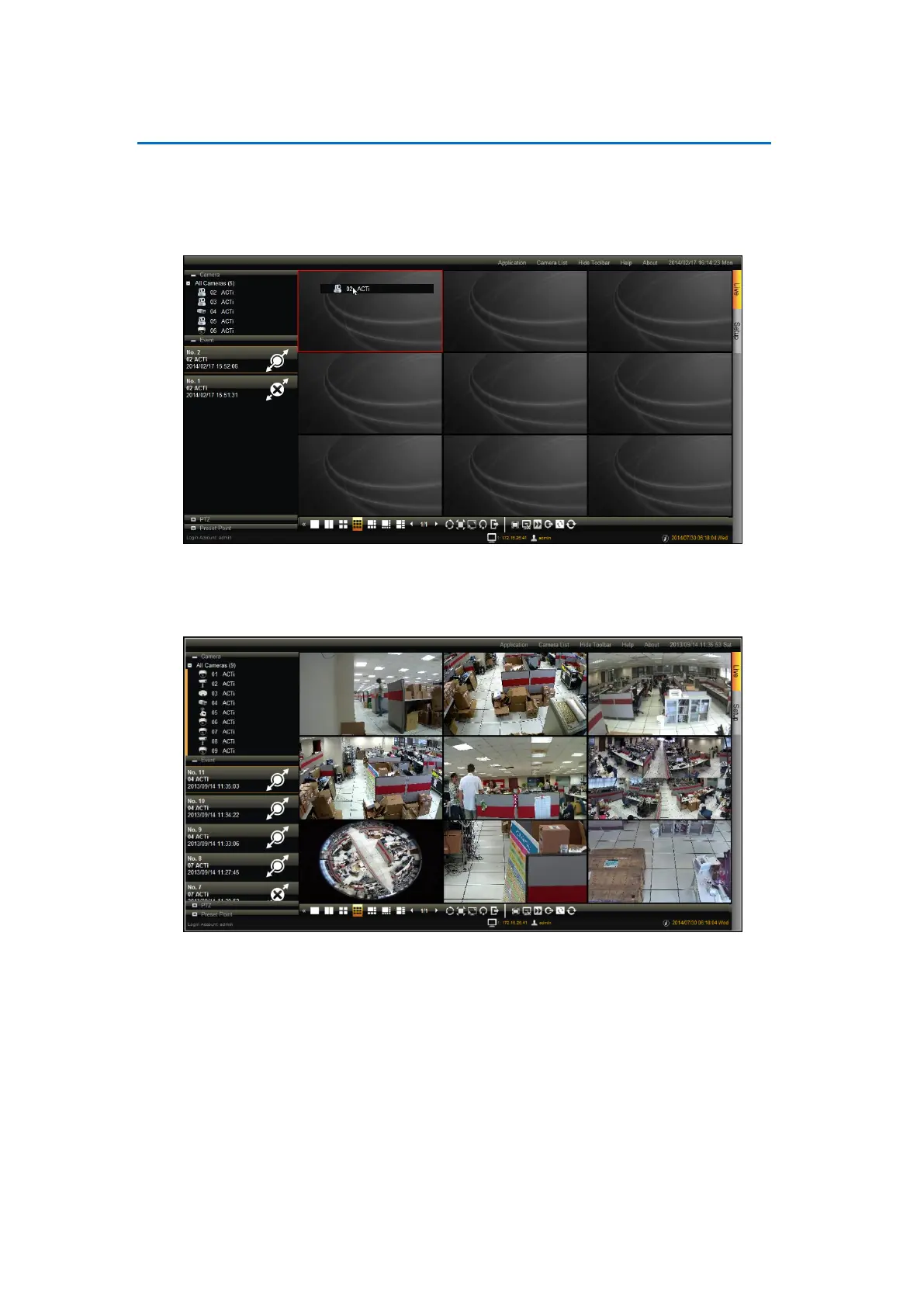
There are several ways to view cameras on the Live View screen.
Drag a camera from the list to a channel window to view it on the Live View display
area.
Double-click a camera from the list to view it on the next available channel window.
Double-click All Cameras to view all cameras on the Live View display area.
NOTE: DSS-1000 does not save the displayed channel settings; so every time users access
DSS-1000, the Live View display area is empty and cameras must be added to the Live View
display area again.



 To Next Page