DSS-1000 User Manual
47
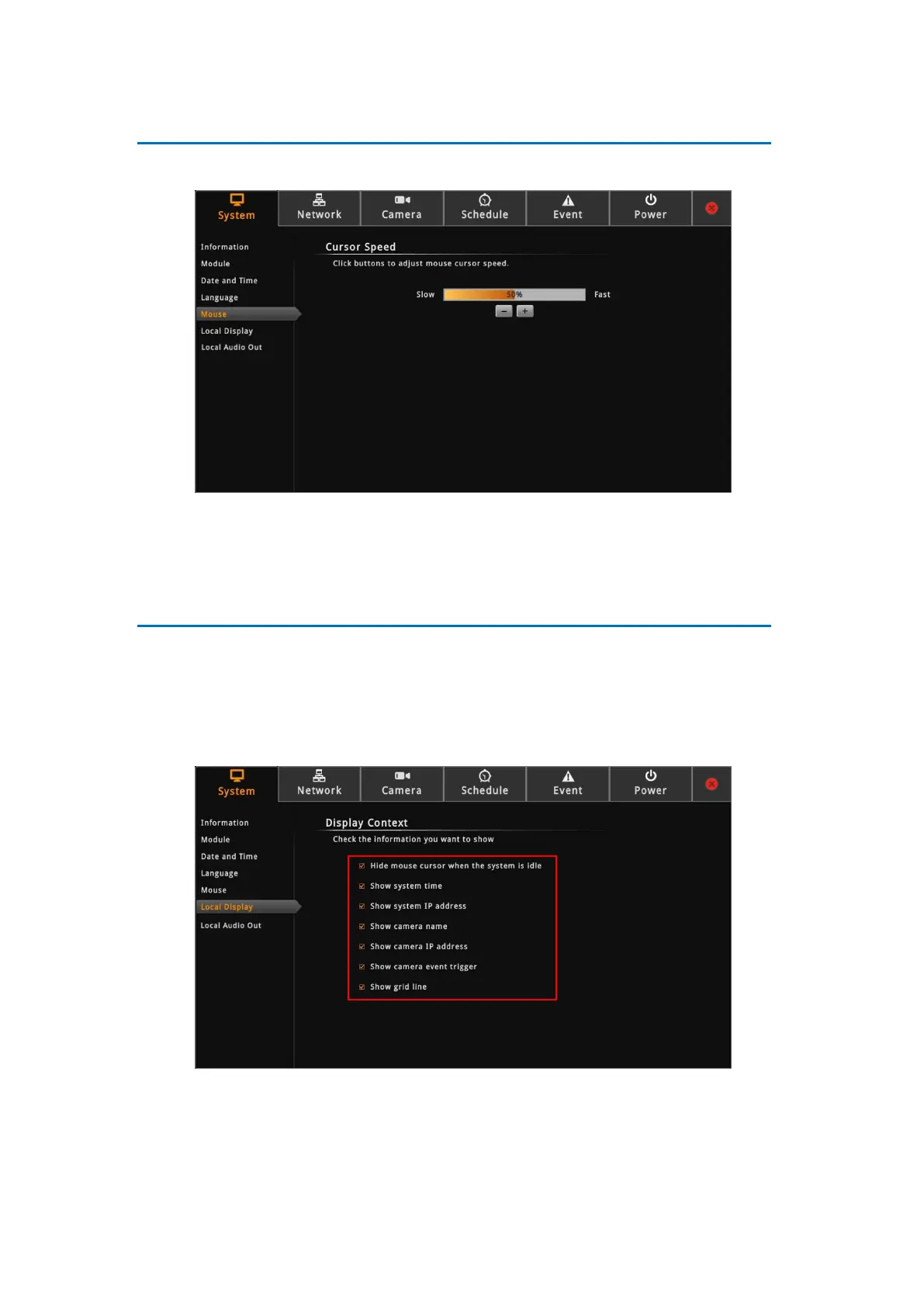
Mouse
Click System > Mouse.
Click “-” to reduce the mouse cursor speed or “+” to increase the speed one notch at a time.
Click and hold “-” or “+” to continuously reduce or increase speed.
Local Display
The Local Display allows users to show or hide information, such as the IP address, system
date and time, or event trigger icons, on the Live View screen.
On the Setup screen, click System > Local Display.
By default, all options are enabled. To disable a function, remove the check from its
corresponding box.
Hide mouse cursor when the system is idle: If checked, the mouse cursor is hidden
from the Local display if there is no mouse movement within 5 seconds.



 To Next Page