DSS-1000 User Manual
17
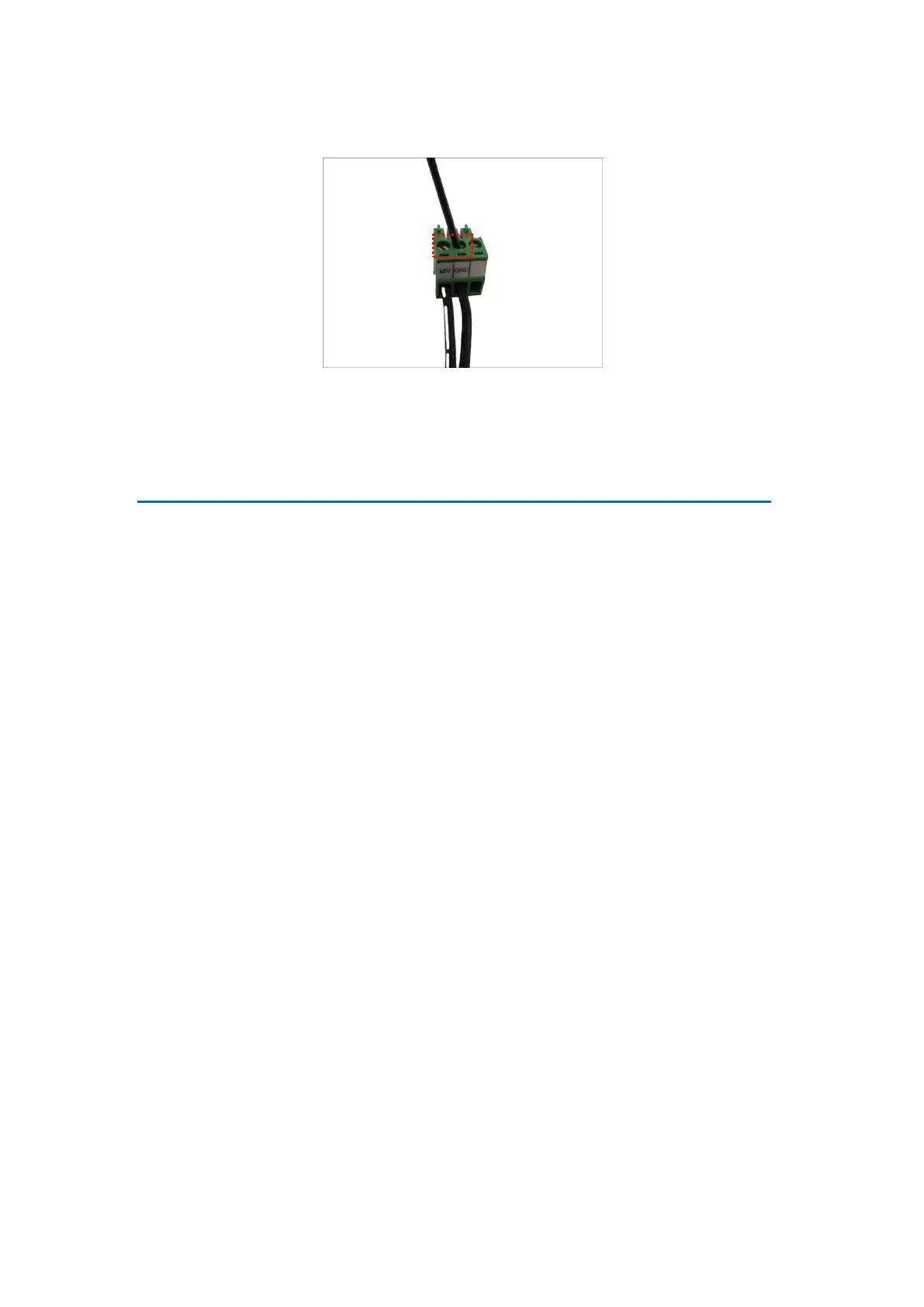
4. Tighten the screws of the 12V pin and the GND pins to secure the wire connection.
Connecting to Local Display
DSS-1000 supports up to two display outputs via HDMI and Composite connection at one time.
These display outputs can be referred to as the local display or the local client.
Local Display via HDMI Connection
Connect an HDMI monitor (1080p) to the HDMI port of DSS-1000 using an HDMI cable (not
included in the package).
Local Display via Composite Connection
Connect a composite monitor to the Composite port of DSS-1000 using a video cable with
BNC connector (not included in the package).



 To Next Page