Chapter 11 Firewall
http://www.level1.com Page 120
11.4.2 MAC Address Filtering Settings
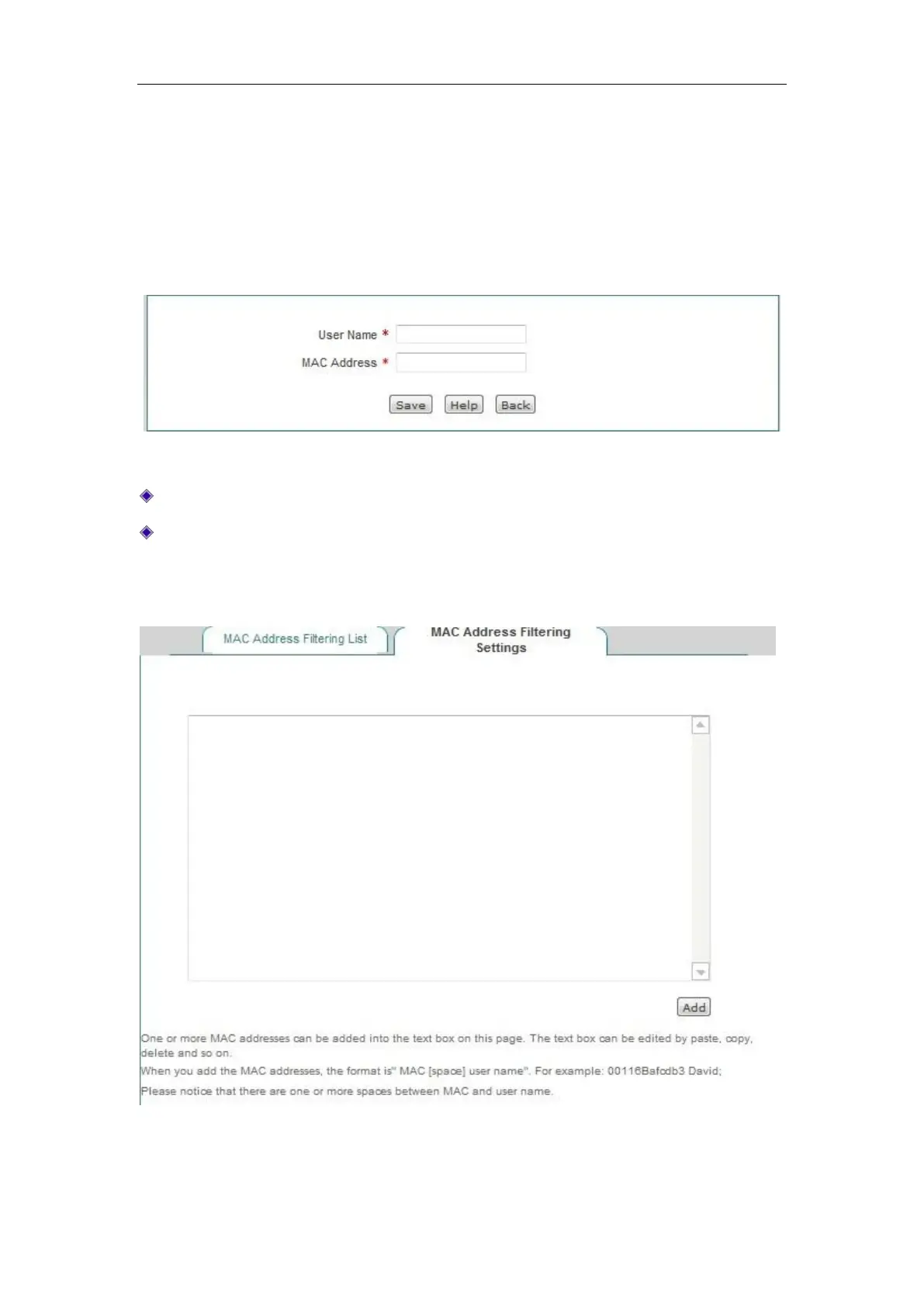
Enter the MAC address filtering information list, click "Add new entry", to enter the MAC
address filtering configuration page, as shown in the figure below.
Figure 11_16 MAC Address Filtering Settings
User name: Displays the user name of the configured MAC address filtering.
MAC address: Configures the MAC address to be filtered.
Users can configure in batch in the Firewall -> MAC address filtering -> MAC Address Filtering
Settings page.
Figure 11_17 MAC address filtering



 To Next Page