http://www.level1.com Page 162
Chapter 14. System
In System status, you can easily view the running state of the device, and the system information
and history of the device.
14.1 Interface Status
The running status page described in this section is the same as 5.2 Interface status, so it is not to
be detailed again here.
14.2 System information
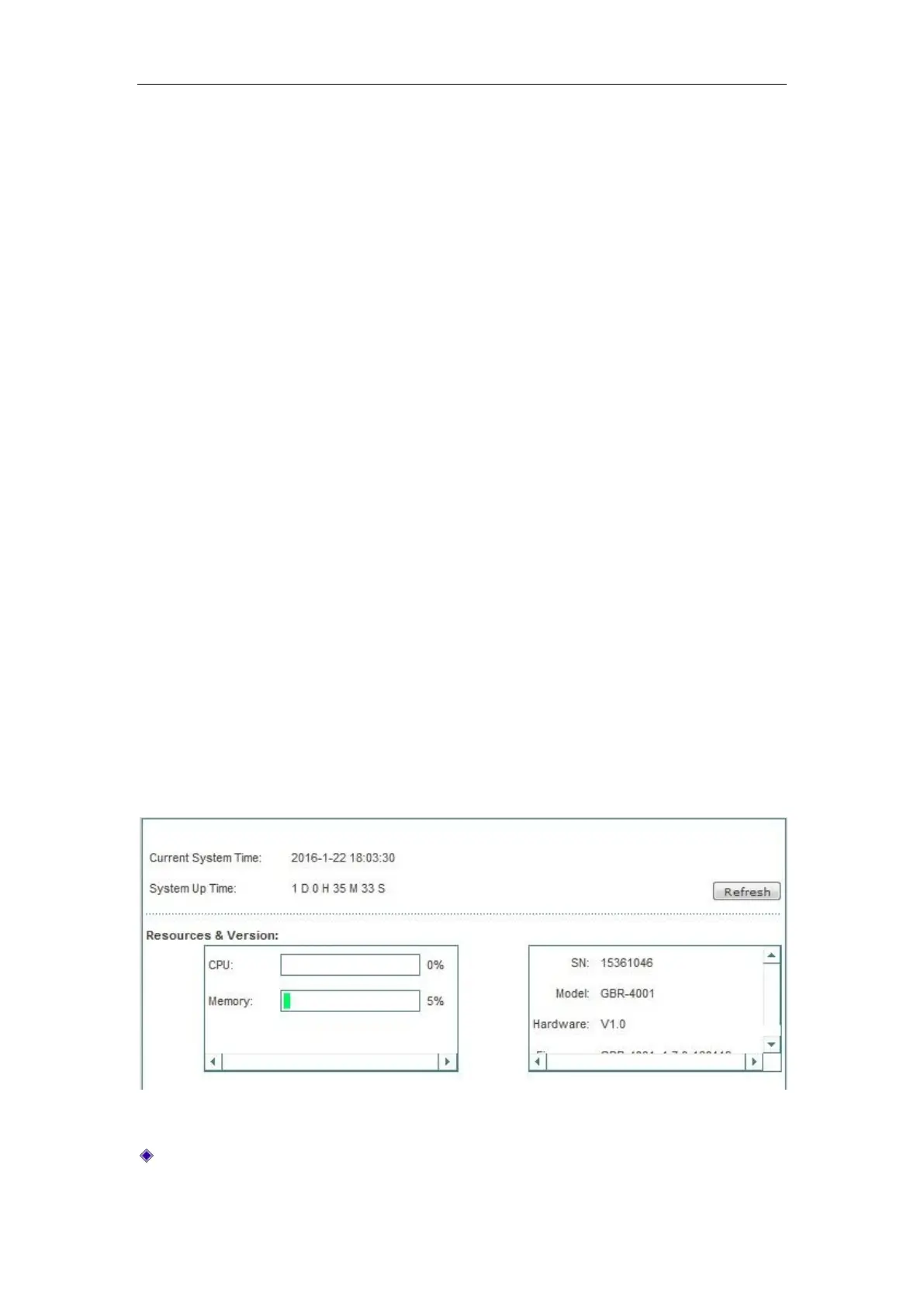
In the System status -> System information page, network administrators can understand the
system-related information and view the system history. Through system information, network
administrators can understand the problems occurring to the network or the potential ones, which
helps improve the network performance and enhance network security.
Figure 14_1 System information
Current system time: Displays the current date and time information of the device (Unit:
Y-M-D, H:M:S).



 To Next Page