Chapter 6 Network parameters
http://www.level1.com Page 28
Save: The line combination configuration parameters take effect.
Refill: Restores to the configuration parameters before modification.
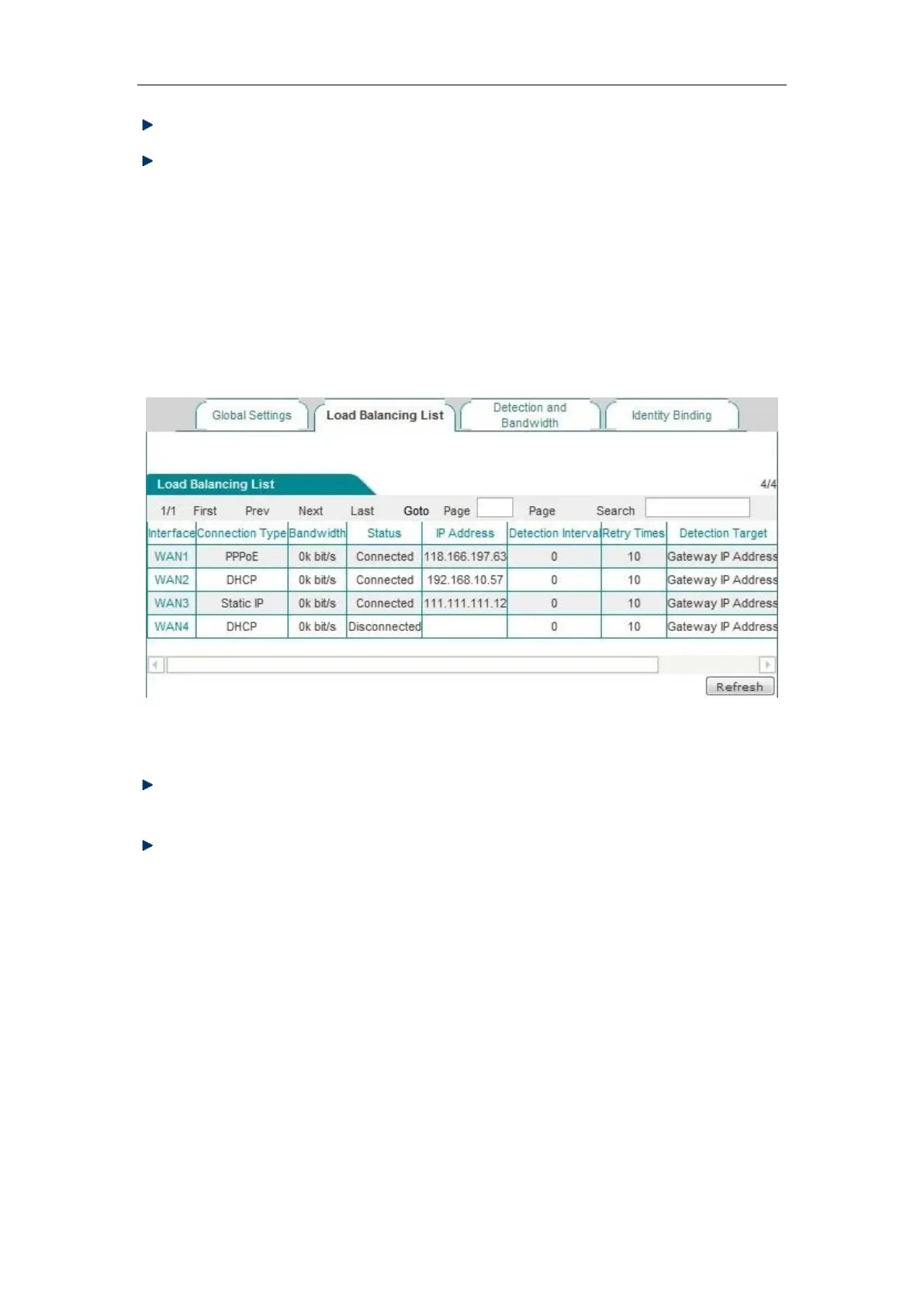
6.2.3 Load Balancing List
In the Network parameter -> Load Balancing -> Load Balancing List page, you can view the
information of configuration line.
Figure 6_10 Load Balancing List
Edit the line combination status information: Click on the interface of the line or the "Edit"
hyperlink corresponding to the line, to skip to the relevant page for change,
Refresh: Click <Refresh>, to get the latest status information of line combination.
6.2.4 Detection and Bandwidth
After configuring the line combination function, you also need to configure the detection
mechanism of the lines, and the configuration methods are as follows.
Enter the Network parameters -> Load Balancing -> Detection and Bandwidth page, or enter the
Line combination status information list line interface or edit the icon, enter the Detection and
bandwidth distribution page.



 To Next Page