Chapter 9 App Control
http://www.level1.com Page 93
Effective frequency: Sets the frequency of routine business notification.
Preview page: Click this bLeveloneon to preview the configured notification contents.
Save: After click <Save>, the specified users in the Intranet will receive a routine business
notification sent by the device when it accesses to the web page for the first time with the
effective time period.
Tip:
When the routine business notification only involves the change of "Notification title",
"Notification content", click <Save> and the notification will not take effect.
9.5.2 Account expiration notification
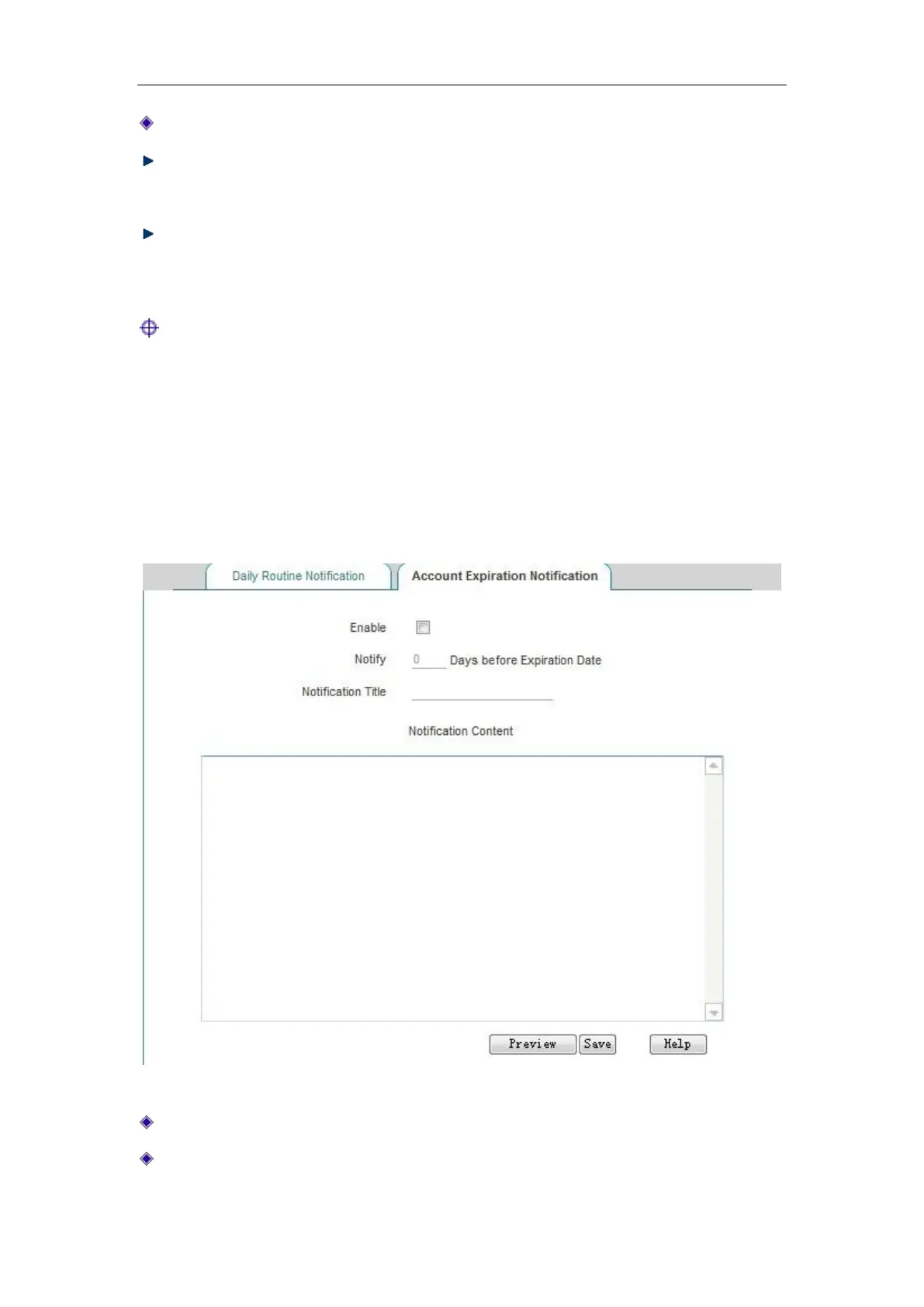
Figure 9_11 Account expiration notification
Enable: Checks to enable the account expiration notification feature.
Days for sending expiration notices in advance: Sets the effective number of days for sending
expiration notification. When this parameter is set to 10, the user will receive the expiration



 To Next Page