Chapter 12 VPN
http://www.level1.com Page 140
12.2.2 IPSec list
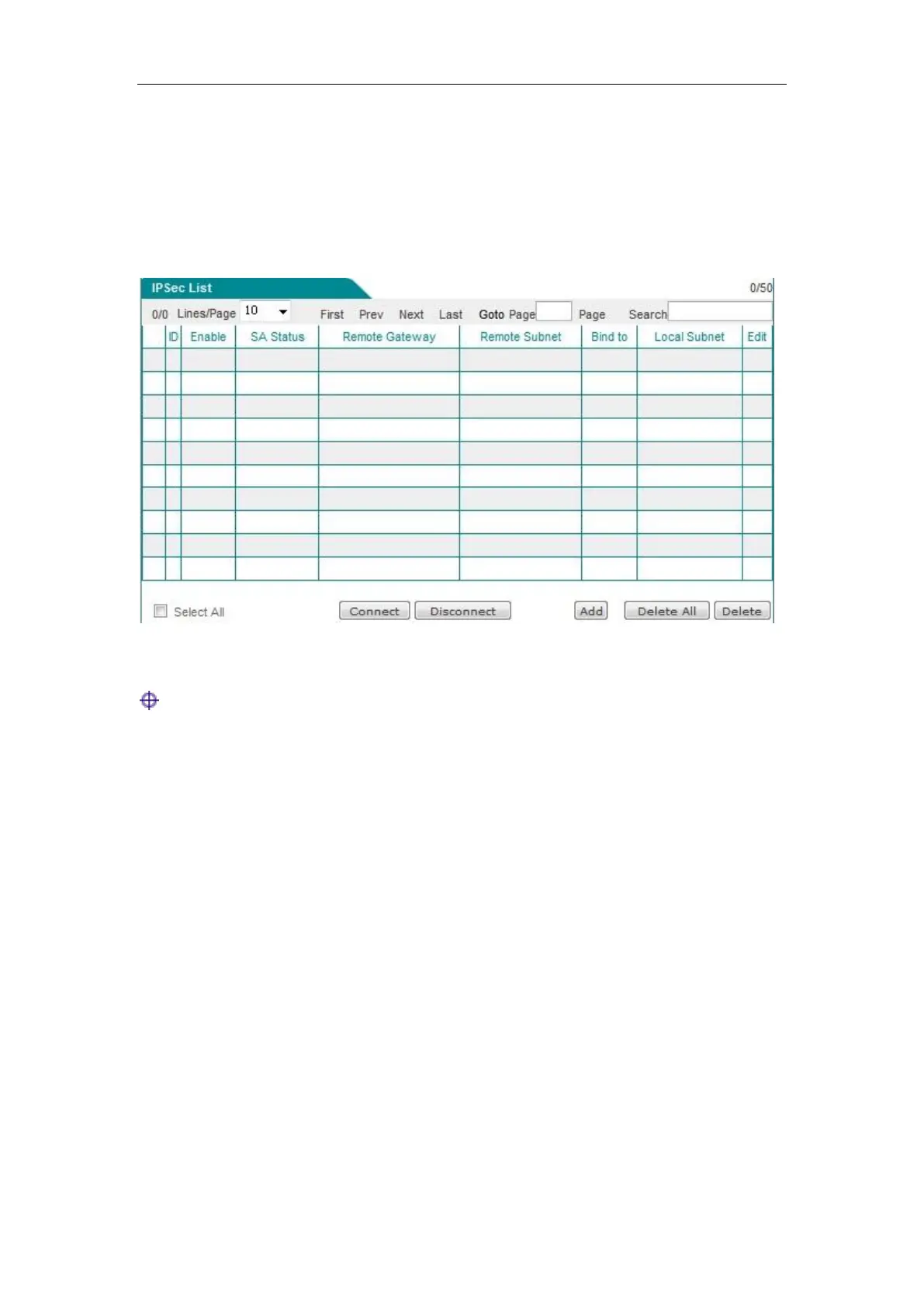
Enter the VPN configuration->IPSec page to view the information about associated IPSec tunnels,
such as SA status, remote gateway address, remote Intranet address, locally bound interfaces, etc.
Figure 12_15 IPSec list
Tip: If the IPSec connection mode is "The other party dynamically connects to the local", the
"Establish" bLeveloneon is invalid.
12.2.3 IPSec Settings
IPSec supports three ways of connection, namely: gateway to gateway, dynamic connection to the
gateway, the other party dynamically connects to the local. The following describes the meaning
of the configuration parameters for three types of connection.
When one end of the IPSec tunnel is dynamic IP access (when no DDNS is applied for),
"Dynamic connection to the gateway", "The other party dynamically connects to the local" are
used at both ends of the tunnel. Here, one end of the dynamic IP access adopts "Dynamic
connection to the gateway" and is used as the initiator, and then the other end adopts "The other
party dynamically connects to the local" and is used as the responder.



 To Next Page