Chapter 12 VPN
http://www.level1.com Page 160
Tip:
1. The device's Internet address can be obtain from the "Line connection information list" of
Network configuration -> WAN port configuration.
2. If “WAN1” adopts PPPoE dial-up, its IP address is dynamic, and you can configure the
DDNS function in the Network parameters -> DDNS configuration.
3. For security purposes, unless absolutely necessary, do not enable the remote management
function. In looking for LEVELONE's customer service engineer's service, please enable the
remote management function.
13.7 Scheduled task
This section describes the System management-> Scheduled task page. By configuring scheduled
tasks, administrators can predefine the actions completed by the device at a specified time.
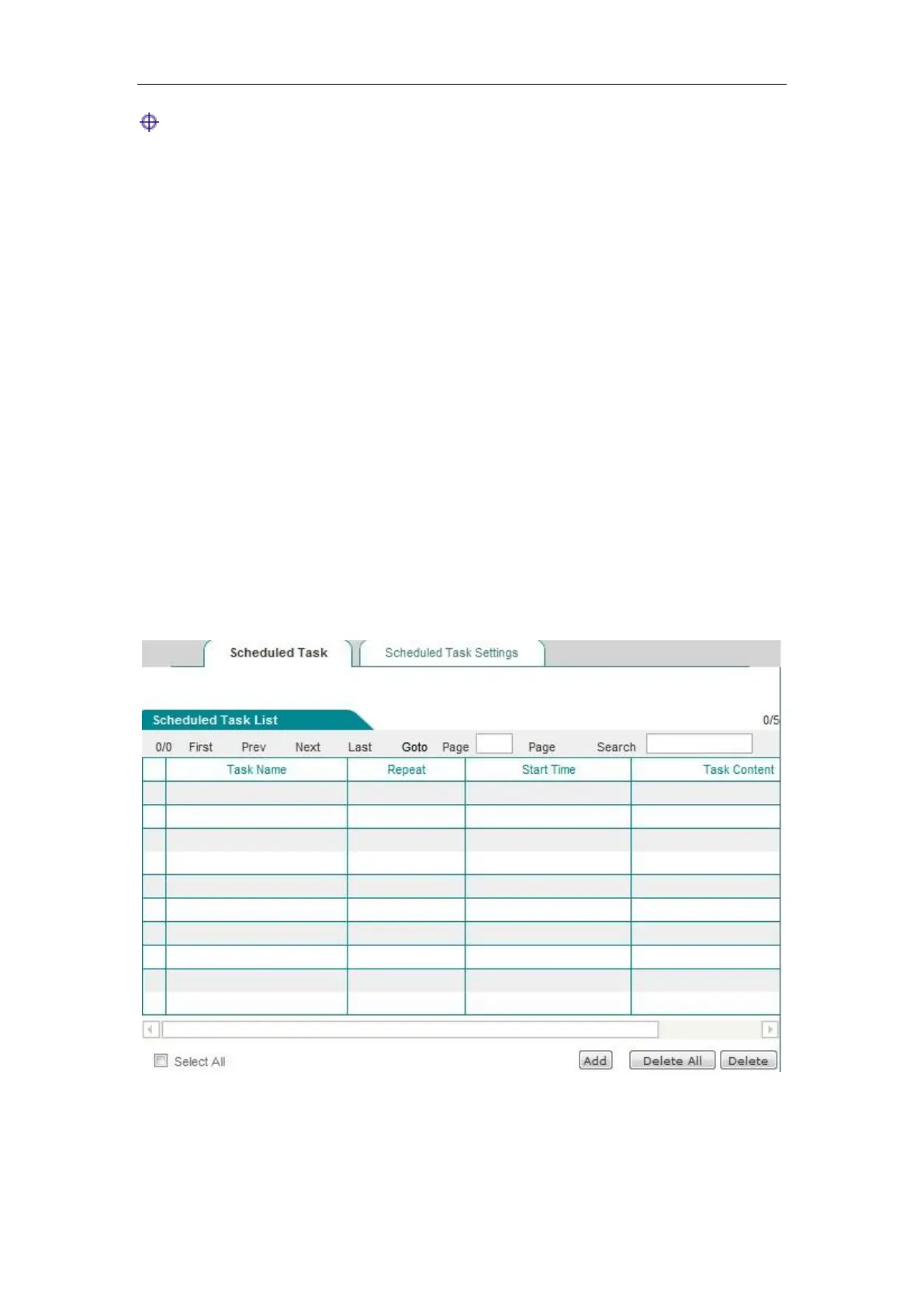
1. List of scheduled tasks
The scheduled task list is an editable list. You can operate the instances in the list.
Figure 13_8 Scheduled task list 1



 To Next Page