http://www.level1.com Page 171
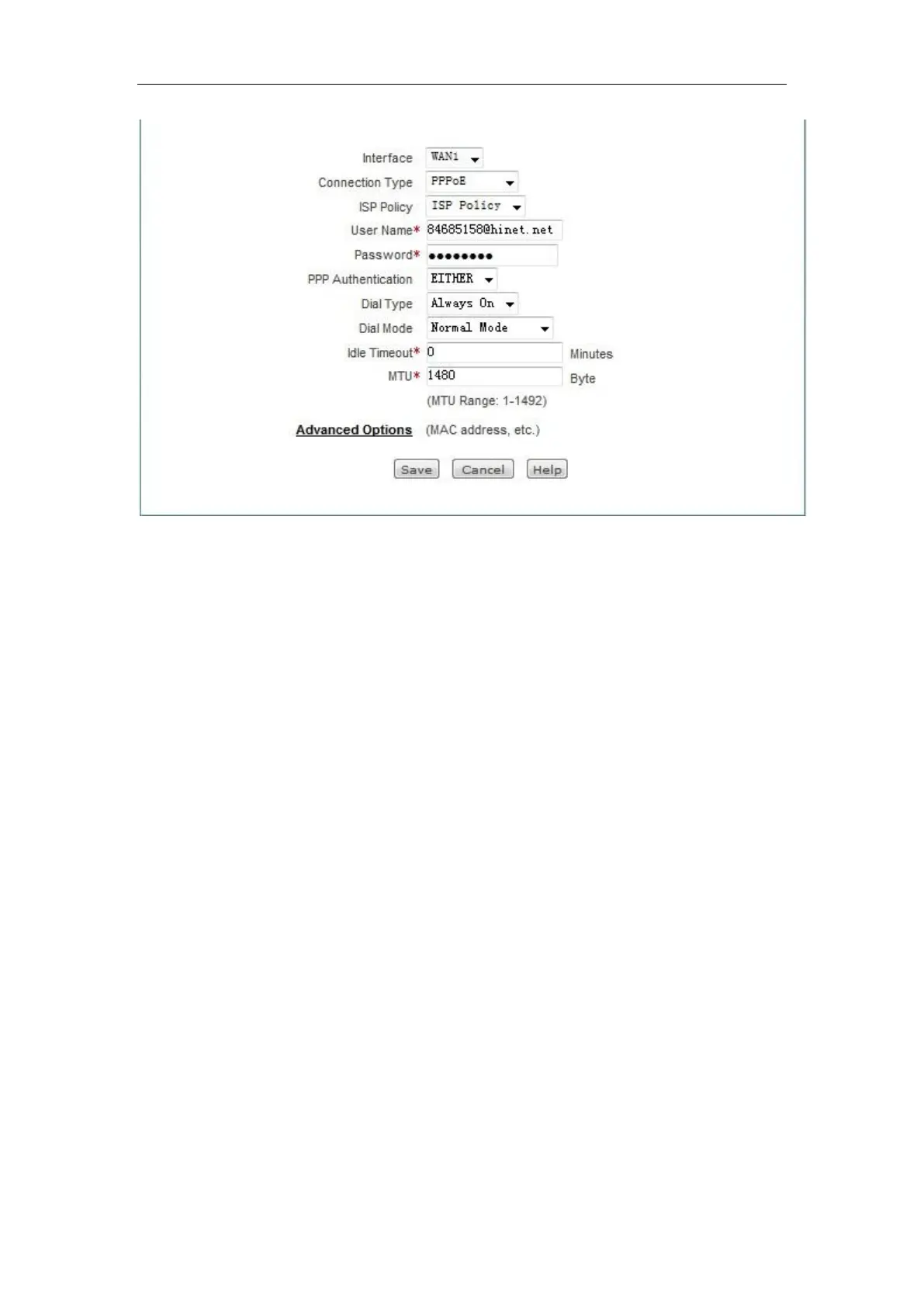
Figure B- 2 PPPoE dial-up configuration
8. Configure the LAN computer as described in Appendix A of this manual.
B-2. How the Fixed IP access users go online?
1. Confirm that the line is normal (which can be tested by a PC).
2. Connect the WAN port of the device to the ISP network device with a network cable.
3. In the Network parameters -> WAN configuration page, configure the parameters of the
fixed IP access line.
4. Configure the LAN computer as described in Appendix A of this manual.
B-3. How the Dynamic IP (Cable Modem) access users
go online?
1. Confirm that the line is normal (which can be tested by a PC).



 To Next Page