Chapter 12 VPN
http://www.level1.com Page 154
Chapter 13. System
In the System Management main menu, you can enter the Administrator configuration,
Language selection, clock management, configuration management, software upgrade, remote
management, scheduled task page. This chapter mainly describes how to change administrator
user name and password. How to set the device clock. How to back up and import configuration
files. How to upgrade the device. How to enable remote management, etc.
13.1 Administrator
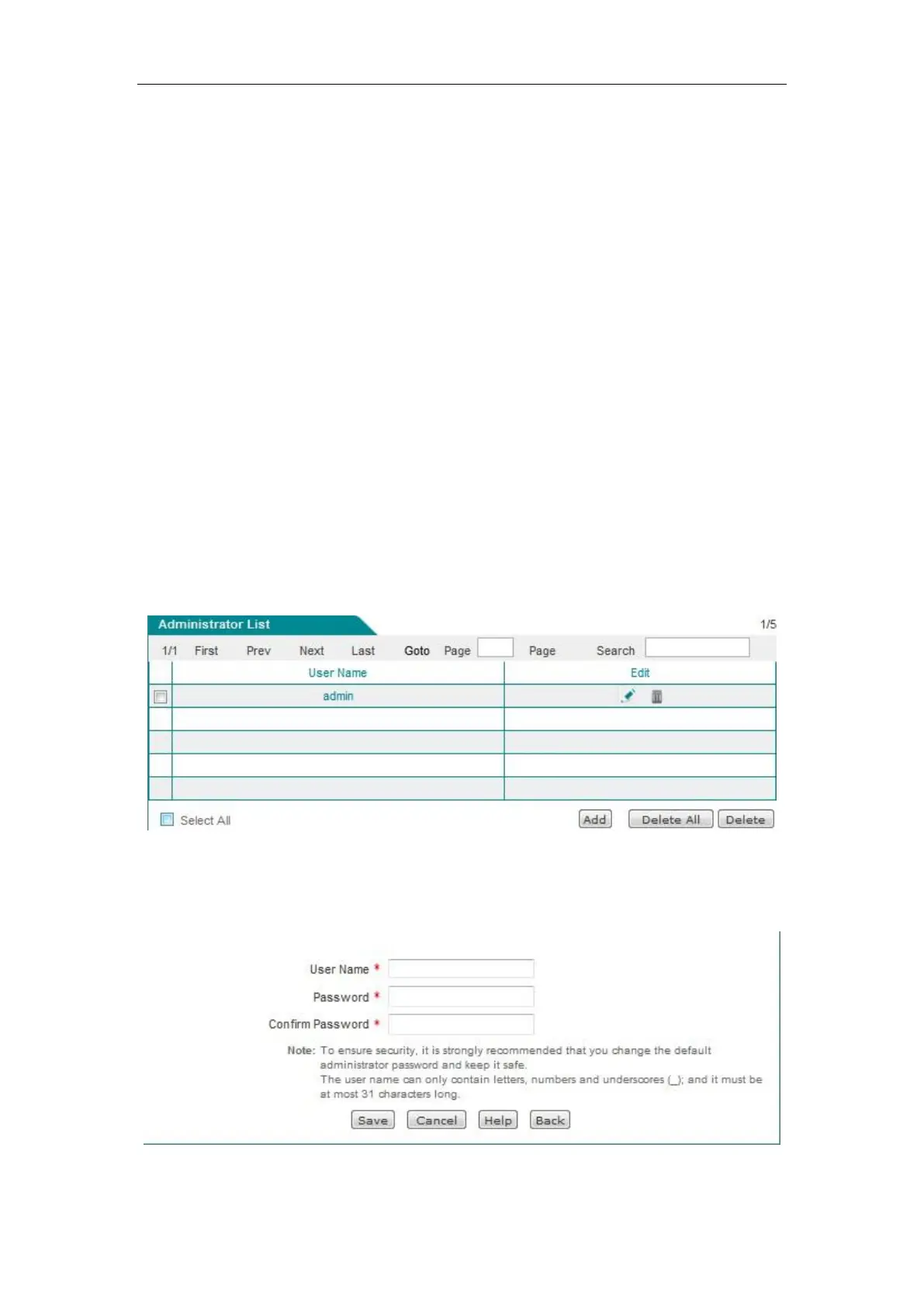
1. Administrator list
Figure 13-1 Administrator list
2. Administrator Settings
Figure 13-2 Administrator Settings



 To Next Page