Chapter 8 User Management
http://www.level1.com Page 77
8.4 WEB authentication
8.4.1 WebAuth Global Settings
Enter the User management->WEB certification page to configure the WEB authentication
feature of the device. WEB Authentication is used to authenticate Intranet users as to having
permission to access the Internet, that is, after enabling this feature, the intranet users cannot
access to the Internet unless passing the WEB authentication.
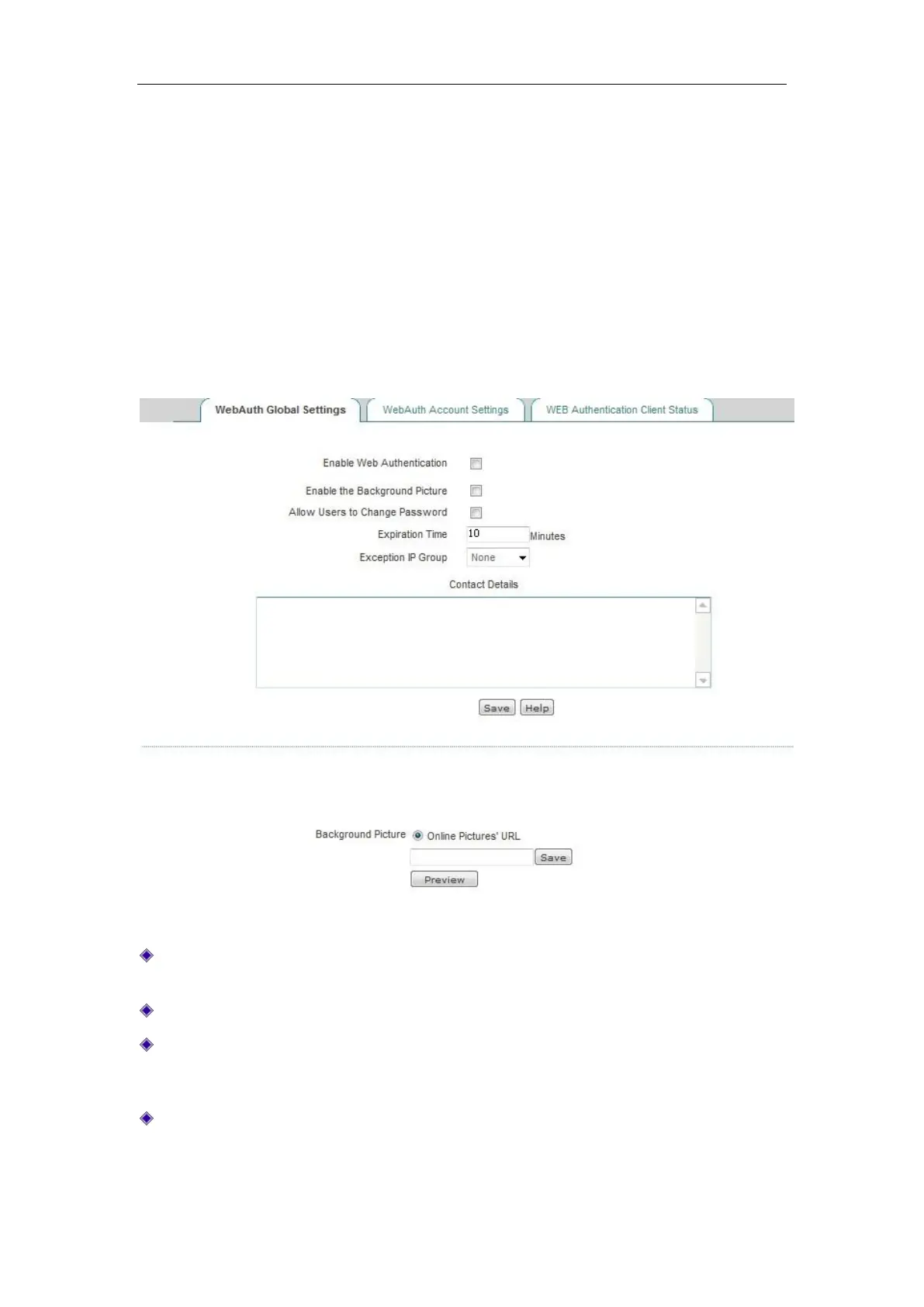
Figure 8_19 WebAuth Global Settings
Enable WEB authentication: Checking it means that the intranet users cannot access the
Internet unless passing the WEB authentication.
Enable background image: Check it to enable this feature.
Allow users to modify authentication password: Checking it means to allow the WEB
authentication users to modify the authentication password on their own.
Exception address group: After the device enables the forced PPPoE authentication, the users
of the address group can communicate with external network without WEB authentication,
and the address group needs to be configured in the User management -> User group
Settings page.



 To Next Page