Chapter 8 User Management
http://www.level1.com Page 59
Chapter 8. User management
This chapter describes the secondary menu under the primary menu of user management,
including: User state, IP/MAC binding, PPPoE server, WEB authentication, user group
configuration.
8.1 User status
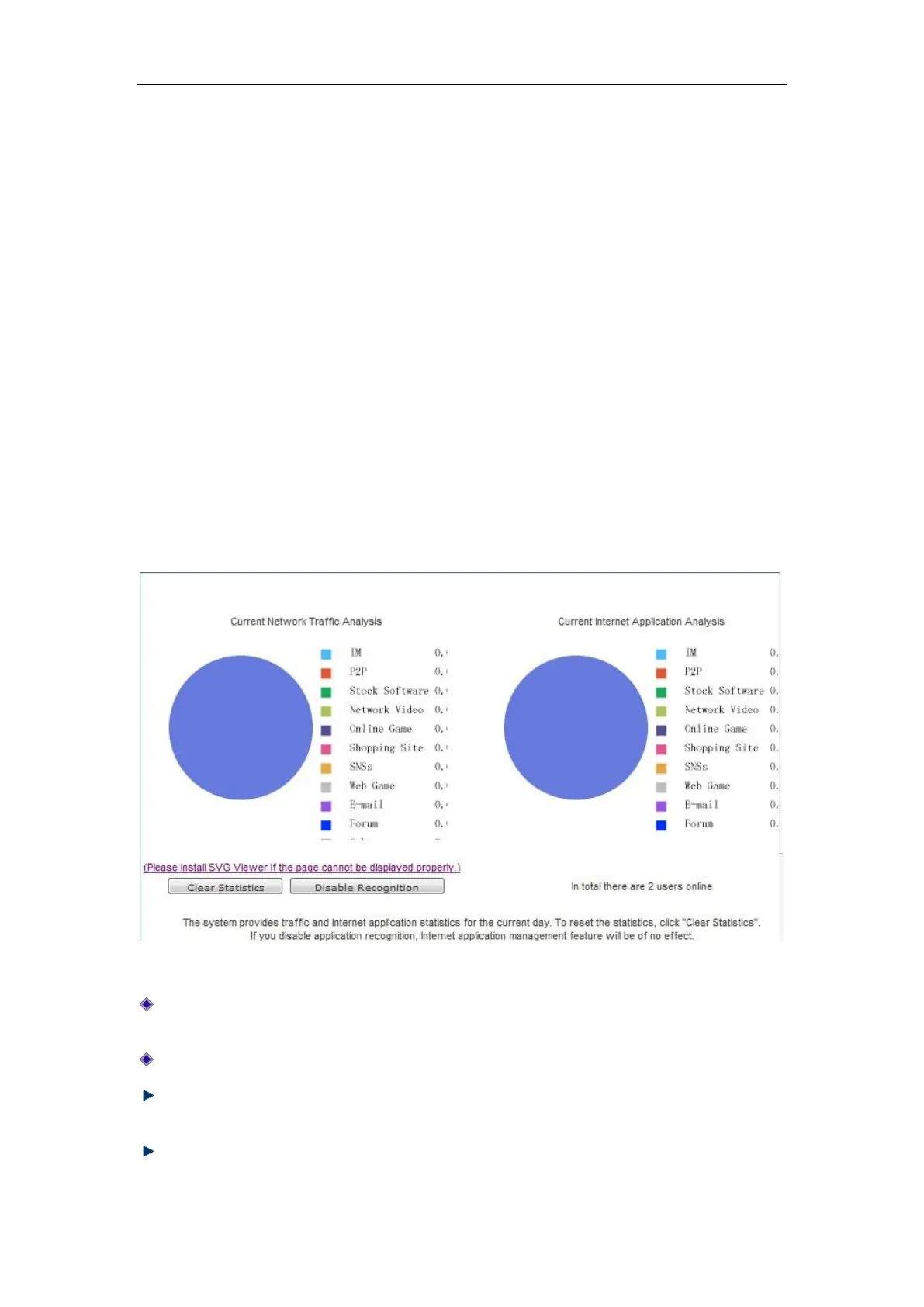
This section describes the User management-> User status page. Administrators can understand
all intranet users' net behaviors, the traffic occupied by the net behaviors and the status of each
user, and so on by viewing, analyzing the pie charts and lists in this page.
Figure 8_1 User Status
Analysis of the current network traffic usage: analyzes the current percentage of network
traffic used by Intranet applications.
Analysis of current net behaviors: Analyzes the net behavior of all currently online users.
Clear data: The system counts the traffic and net behaviors from 00:00 every day. Clicking
this bLeveloneon will clear the historical data of the day and immediately begin to recount.
Disable identification statistics: Click this bLeveloneon to disable the identification function
for net behavior management. After doing this, the net behavior management function will be



 To Next Page