Chapter 9 App Control
http://www.level1.com Page 84
9.2.1 Application Management List
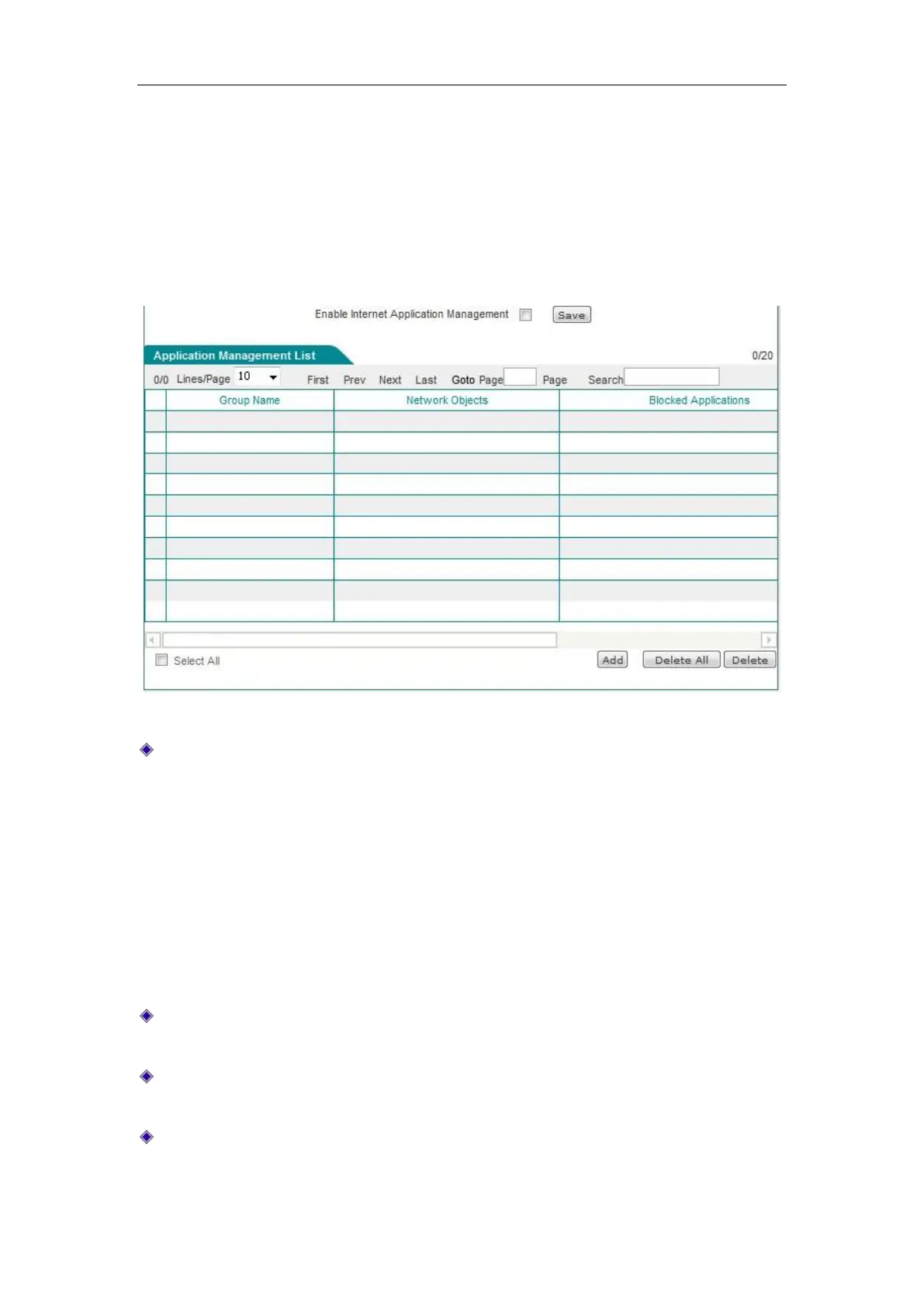
Enter the Behavior management-> Net behavior management page, to enable the net behavior
management feature in this page, and view the net behavior management information configured
in the list of net behavior management information.
Figure 9_3 Application Management List
Enable net behavior management: Checking it means to enable the net behavior management
feature.
9.2.2 Internet Application Management Settings
Click <Add new entry> on the above image to enter the Net behavior management configuration
page, to manage intranet users' net behavior.
Group name: Customizes the group name for the instances of the net behavior management,
which must be unique.
Select net behavior management object: Fills out the address field or user group on which the
behavior management instance takes effect.
The net behavior management supported by the device: Chat software, P2P software, stock
software, web video, online game, shopping web sites, social networking sites, web games,



 To Next Page